4 Free & Open Source Alternatives to Microsoft Teams (2026)

Compare 4 free and open-source alternatives to Microsoft Teams: Element, Nextcloud Talk, and Rocket.Chat (+1 more). Pros, cons, pricing, and screenshots tested 2026.

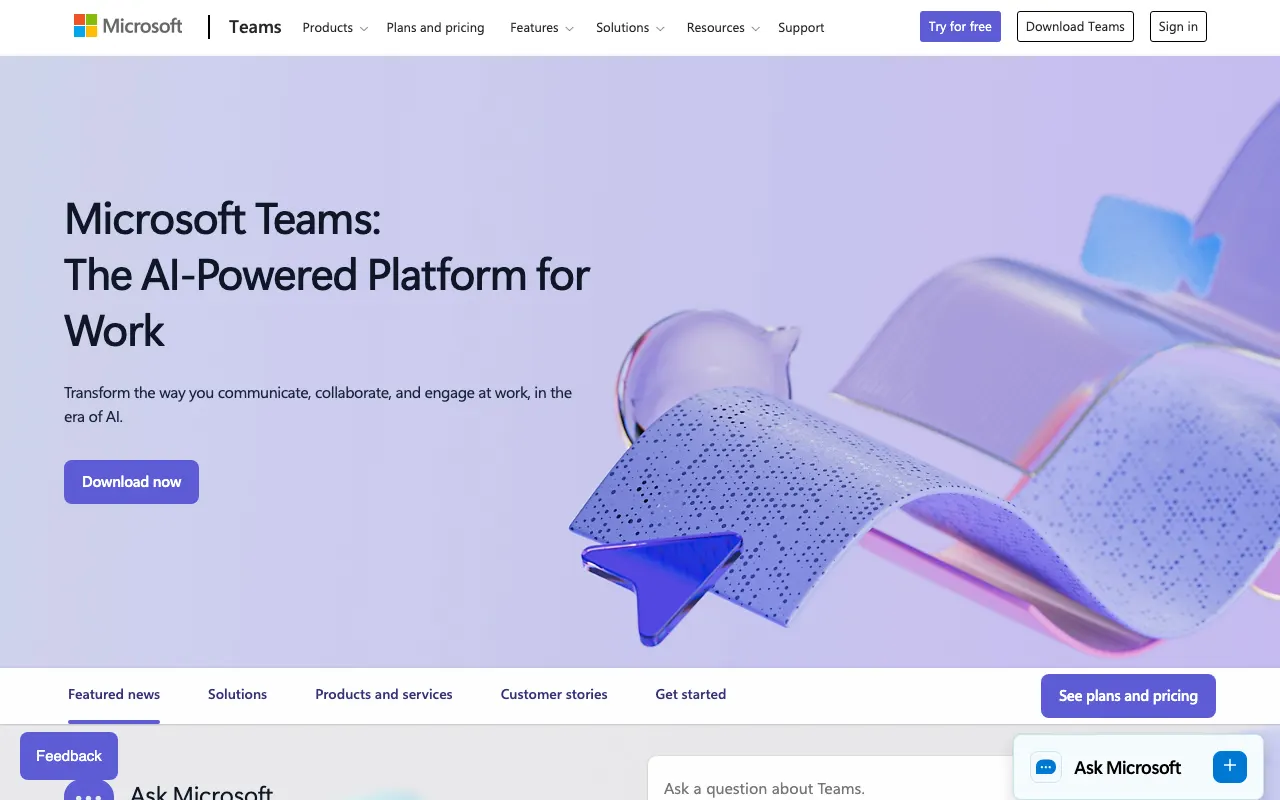
Microsoft Teams

Freemium 4.0

A collaboration platform, Microsoft Teams combines workplace chat, video meetings, file storage, and application integration, offering scalable pricing plans for various team sizes and industries.

Freemium
4 free options
Communication Tools
4 / 5
Why people look for alternatives Microsoft Teams has a free tier with limitations. Many users seek fully free or open-source alternatives that offer the same capabilities without paywalled features or usage caps.

Quick Comparison

Tool Pricing Best for Rating

Detailed Reviews

Element

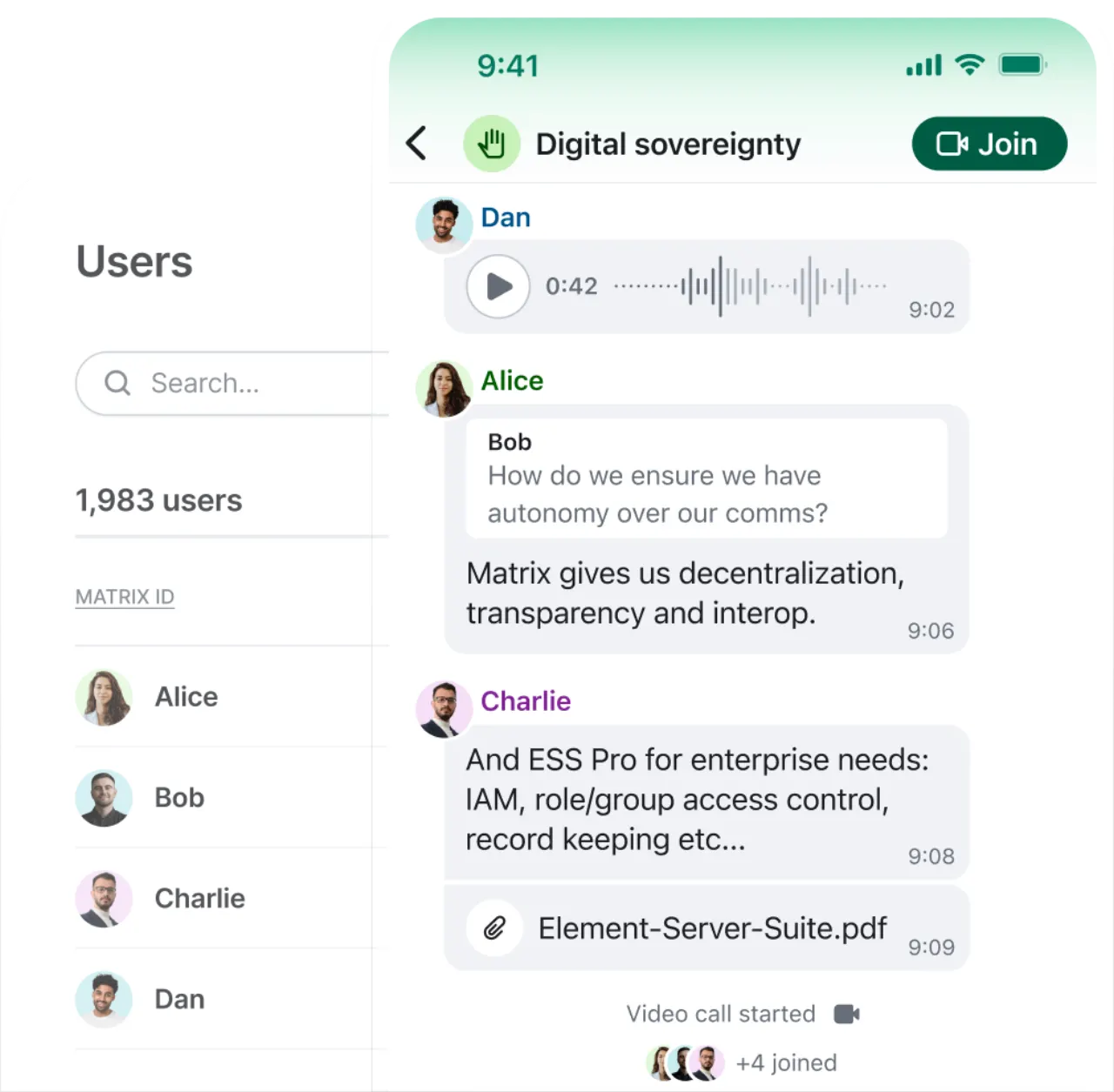
An end-to-end encrypted, decentralized communication tool offering public and private rooms, file sharing, and audio/video calls with enhanced security and user control.

4.5
Freemium (Open Source) Best for: Secure, private, self-hostable communication for organizations.

Free open-source apps, with paid Element Server Suite Pro for professional use and enterprise features.

3 screenshots — click to enlarge

Element Collaboration Interface Homepage Screenshot 2026 Screenshot 1
Element Collaborative Messaging Tool Overview 2026 Screenshot 2

✓ Pros

  • Strong security features with end-to-end encryption
  • Open-source software and protocol (Matrix)
  • Decentralized platform with hosting flexibility (self-hostable)
  • Cross-platform availability (web, desktop, mobile)

✕ Cons

  • Can be technical and complex, especially for self-hosting and advanced features
  • Steep learning curve for new users
  • Lacks the "polish" and consumer-friendly features of some alternatives
  • Occasional performance issues, especially on older devices or during peak usage

Nextcloud Talk

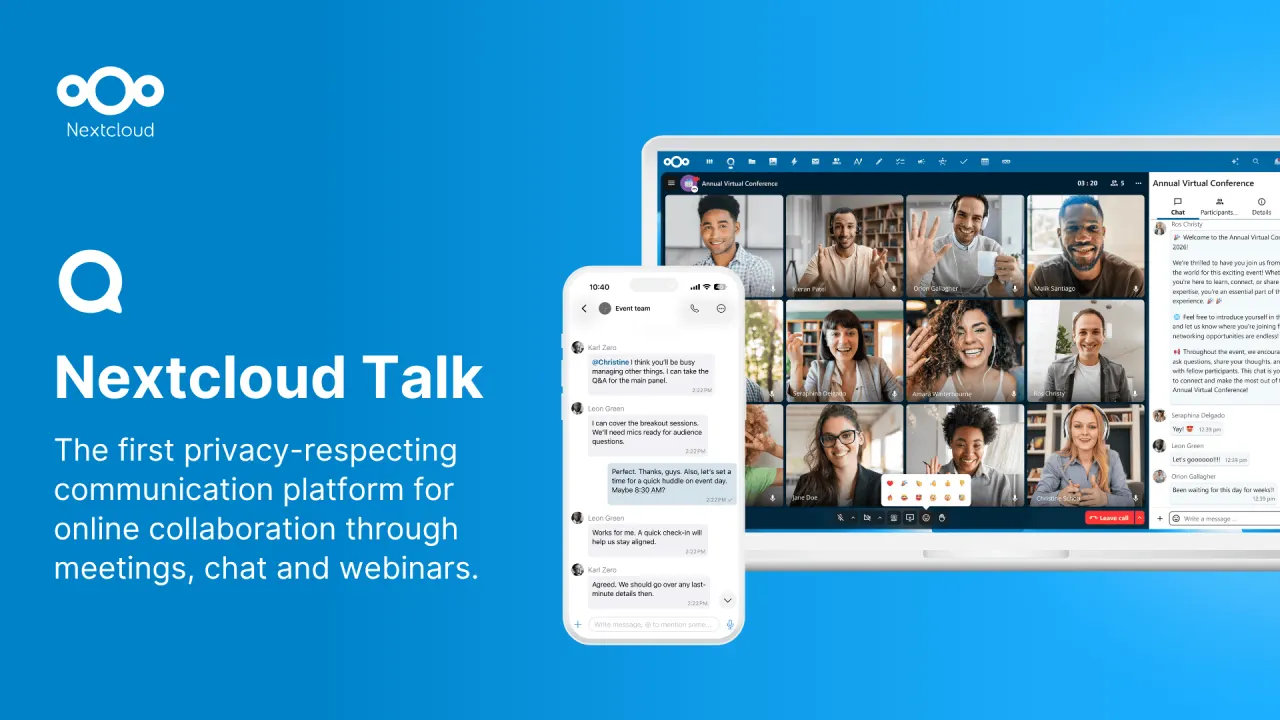
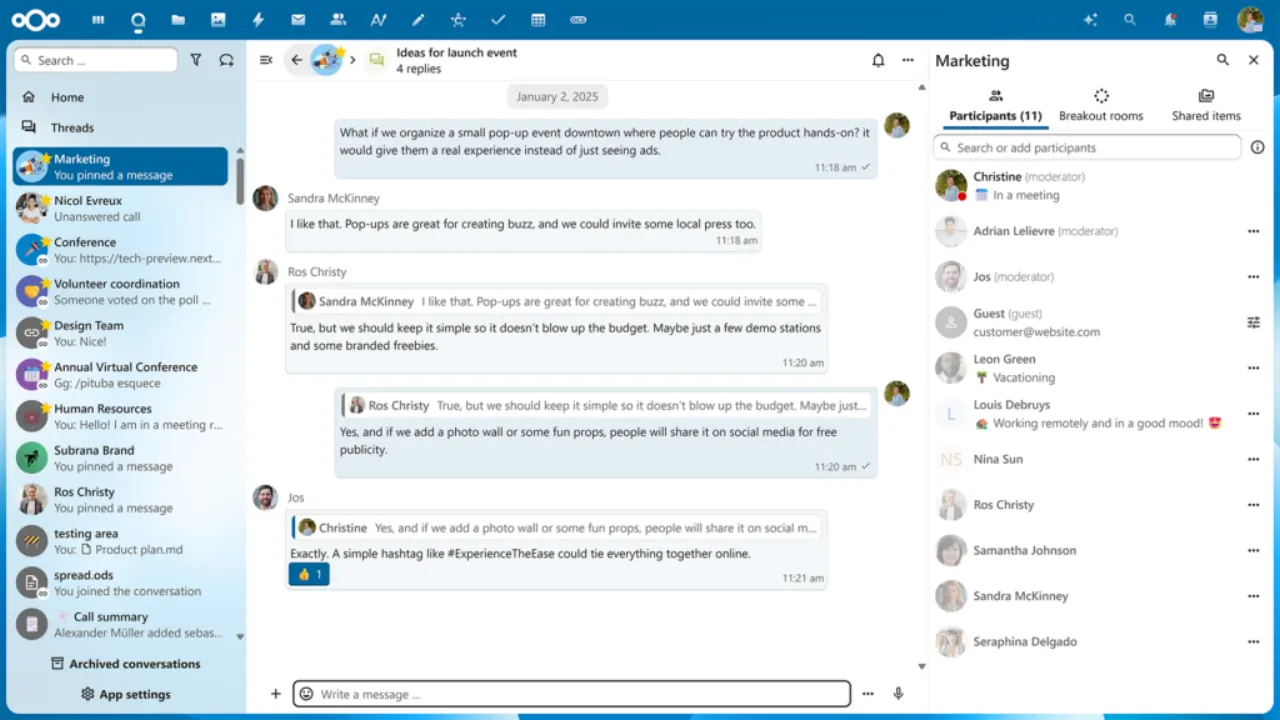
Nextcloud Talk delivers on-premise, private audio/video conferencing and text chat through browser and mobile interfaces with integrated screen sharing and SIP integration.

4.5
Freemium (Open Source) Best for: Organizations prioritizing privacy and self-hosting for collaborative meetings

Free for self-hosting; Nextcloud Enterprise plans start at 100 users for 71.29€/user/year and include Nextcloud Talk.

3 screenshots — click to enlarge

Nextcloud Talk Communication Interface Overview 2026 Screenshot 1
Nextcloud Talk pricing screenshot 2026 Screenshot 2

✓ Pros

  • Secure online meetings, chat, and web conferencing
  • On-premise and private communication
  • Offers digital sovereignty with no vendor lock-in
  • Customizable open-source architecture
  • Integrated screen sharing, server-side recording, virtual backgrounds, breakout rooms
  • Persistent chat and file sharing (from Nextcloud Files)

✕ Cons

  • Max video participants limited to 50-75 (with HPB)
  • Not designed for broadcast-style webinars or large town halls
  • Basic transcription; lacks advanced AI features seen in competitors
  • Internet-only communication (SIP integration for advanced setups only)
  • Screen sharing with system audio is browser-dependent (Chrome/Edge only)

Rocket.Chat

A secure and compliant communication platform providing team collaboration, customer engagement, and flexible deployment options including cloud, on-premises, and isolated networks. It offers extensive customization, control over data, and an open-source edition.

4.5
Freemium (Open Source) Best for: Secure, customizable, and self-hostable communication for businesses.

Free Starter plan for up to 50 users (self-hosted), free Community (open-source MIT edition, basic), paid Pro starts at $4/user/month, and custom Enterprise plans.

3 screenshots — click to enlarge

Rocket.Chat Real-time collaboration software homepage screenshot 2026 Screenshot 1
Rocket.Chat pricing plans for team collaboration features on their website 2026 Screenshot 2

✓ Pros

  • Open-source (MIT licensed)
  • Self-hostable (on-prem, private cloud, isolated networks)
  • Strong security features (end-to-end encryption, multi-factor authentication, access controls)
  • Compliance support (HIPAA, GDPR, FINRA, ISO 27001, SOC 2 Type 2 certified)
  • Highly customizable and flexible
  • Offers voice, video, and text communication
  • Threaded conversations and file sharing
  • Integrates with 100+ popular workspace applications
  • Real-time message translation
  • Robust analytics and reporting for customer service
  • Good for project management and remote work facilitation
  • Ability to build secure in-app chat experiences using APIs and frameworks
  • Community edition available for basic capabilities

✕ Cons

  • Functionality/Ease of use can be tricky
  • Documentation can can be imperfect
  • Requires technical skills for self-hosting and server code interference/customization
  • User-based pricing (even for self-hosted instances) can be a "non-starter" for public servers with many infrequent users
  • Initial self-hosted setup might feel "sketchy" by asking for organization details

Zulip

Zulip is an open-source team communication platform that uses topic-based threading to organize conversations, combining the best of email and chat for both live and asynchronous collaboration.

4.5
Freemium (Open Source) Best for: Teams requiring structured, topic-based communication and collaboration

Free Cloud plan (limited search history, 5 GB storage), paid Cloud plans start at $6.67/user/month (billed annually) for Standard, and a fully featured free self-hosted option.

3 screenshots — click to enlarge

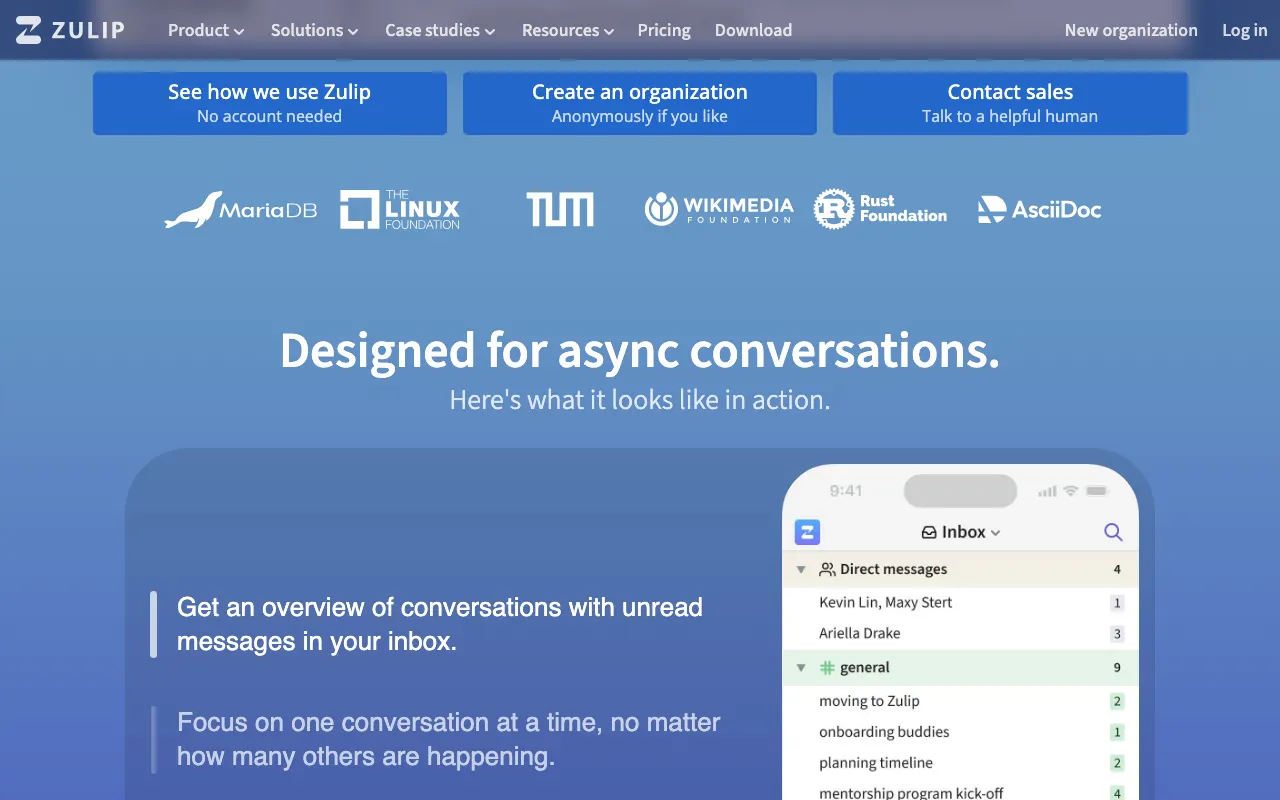
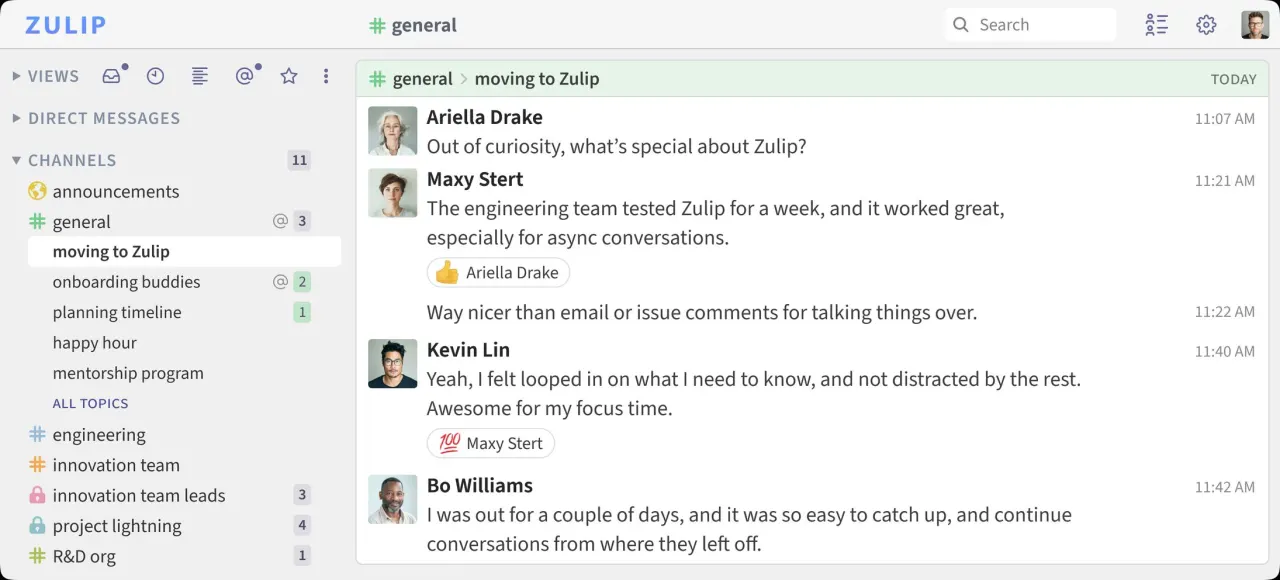
Zulip Chat messaging interface for team collaboration 2026 Screenshot 1
Zulip Stream integration features overview screenshot 2026 Screenshot 2

✓ Pros

  • Unique topic-based threading for organized communication
  • Excellent for both real-time and asynchronous conversations
  • Turns chat history into a searchable knowledge base
  • Cross-platform apps (web, desktop, mobile, terminal)
  • Extensive integrations
  • Expressive formatting (code, LaTeX) and collaborative messages (polls, to-do lists)
  • 100% open-source with full data control for self-hosting
  • Offers free or discounted plans for non-profits and open-source projects

✕ Cons

  • May have some adoption challenges due to its unique threading model
  • Free Cloud plan has limited message history and mobile notifications

Some links are affiliate. We never accept payment for inclusion or ranking.