Introduction
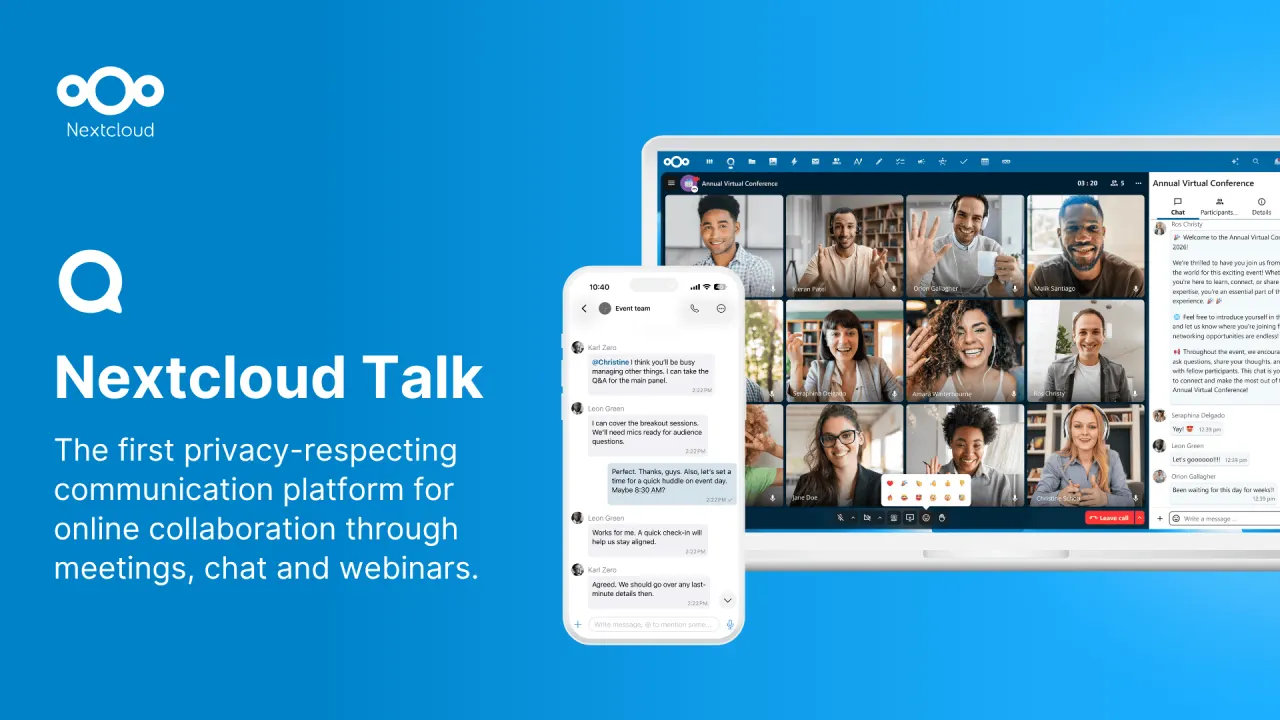
Nextcloud Talk is a robust, open-source communication platform designed for secure online meetings, chat, and web conferencing. It stands as a compelling alternative to proprietary solutions like Microsoft Teams, offering a strong emphasis on privacy and digital sovereignty through its on-premise deployment options.
Features
Nextcloud Talk comes packed with features to facilitate effective team collaboration:
- Secure Communication: Conduct online meetings, chat, and web conferences with end-to-end encryption.
- On-Premise Deployment: Maintain complete control over your communication data with a self-hosted solution.
- Digital Sovereignty: Avoid vendor lock-in and ensure your data remains private within your infrastructure.
- Comprehensive Meeting Tools: Utilize integrated screen sharing, server-side recording, virtual backgrounds, and breakout rooms for dynamic sessions.
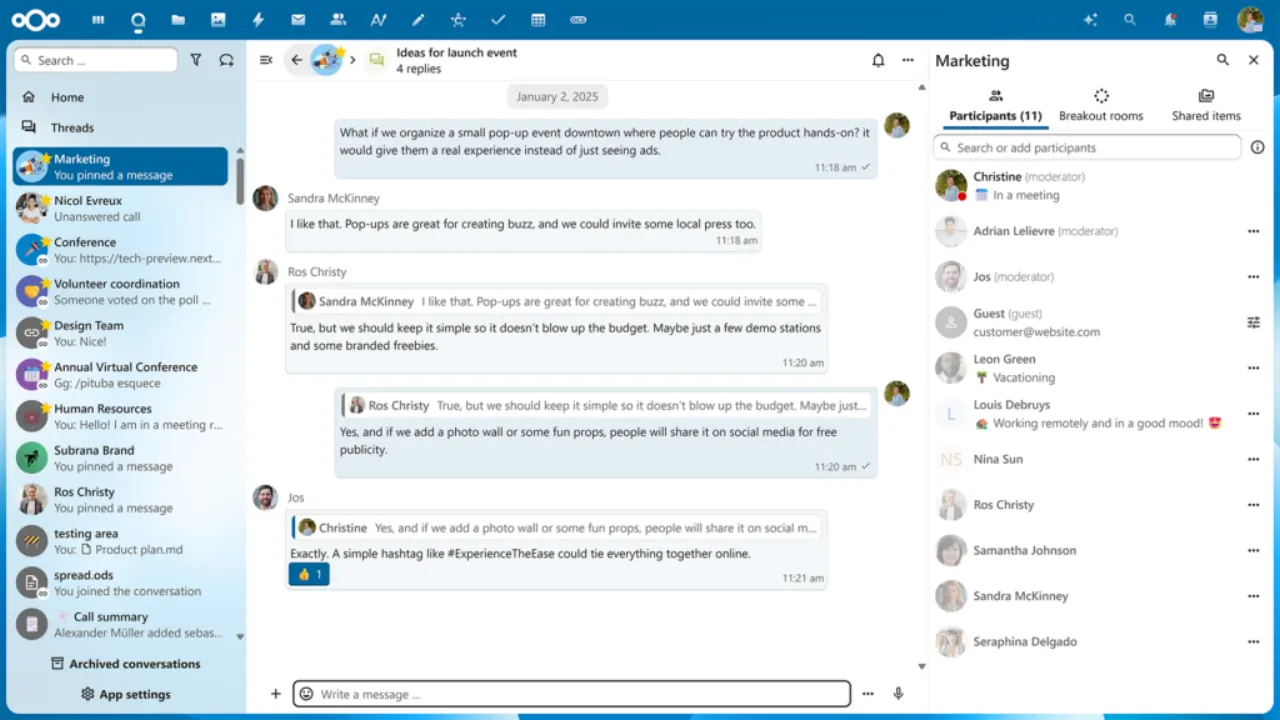
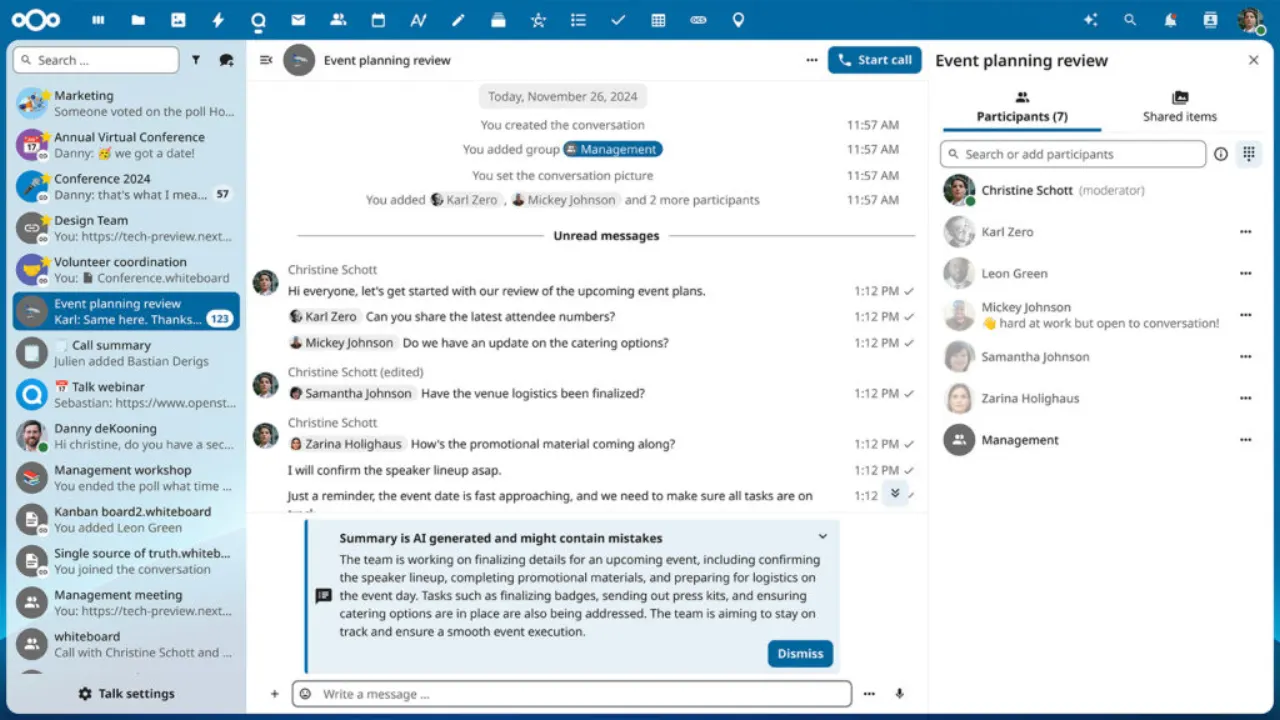
- Persistent Chat & File Sharing: Keep conversations going and easily share files directly from Nextcloud Files.
- Customizable Architecture: Benefit from an open-source platform that can be tailored to specific organizational needs.