4 Free & Open Source Alternatives to GitKraken (2026)
Compare 4 free and open-source alternatives to GitKraken: Git Cola, GitHub Desktop, and LithiumGit (+1 more). Pros, cons, pricing, and screenshots tested 2026.
GitKraken
Freemium
★
★
★
★
★
4.0
A visually rich and technically robust suite of Git tools designed to streamline source control workflows, making Git easier, safer, and more powerful for individuals and teams.
Freemium
4 free options
Developer Tools
4 / 5
💡
Why people look for alternatives GitKraken has a free tier with limitations. Many users seek fully free or open-source alternatives that offer the same capabilities without paywalled features or usage caps.
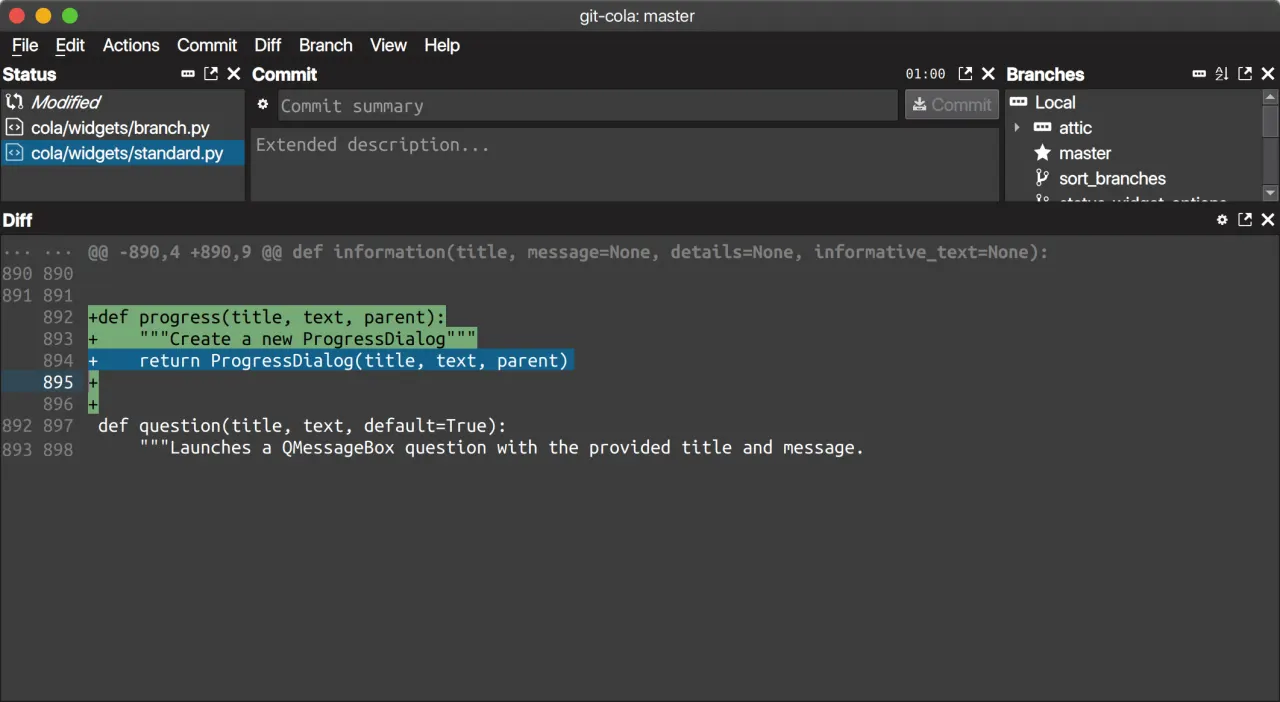
Git Cola is a free, open-source graphical user interface for Git, compatible with Linux, macOS, and Windows. It offers a minimalist design, a DAG visualizer, and essential Git operations.
★
★
★
★
★
4.5
Free & Open SourceBest for: Developers who prefer a minimalist, open-source Git GUI for local work.
Free, open-source
1 screenshot — click to enlarge
Screenshot 1
✓ Pros
Free and open-source
Cross-compatible (Linux, macOS, and Windows)
Includes a DAG visualizer (Git Dag)
Supports keyboard shortcuts and custom GUI settings
Optimizes version control with a minimalist interface
Provides an 'undo last commit' feature
✕ Cons
Limited built-in enterprise support
Support and issue resolution can be less centralized than commercial tools
Undo functionality is limited to commits
Bare-bones, which may require occasional terminal use
Remote repository integration is less intuitive compared to some alternatives
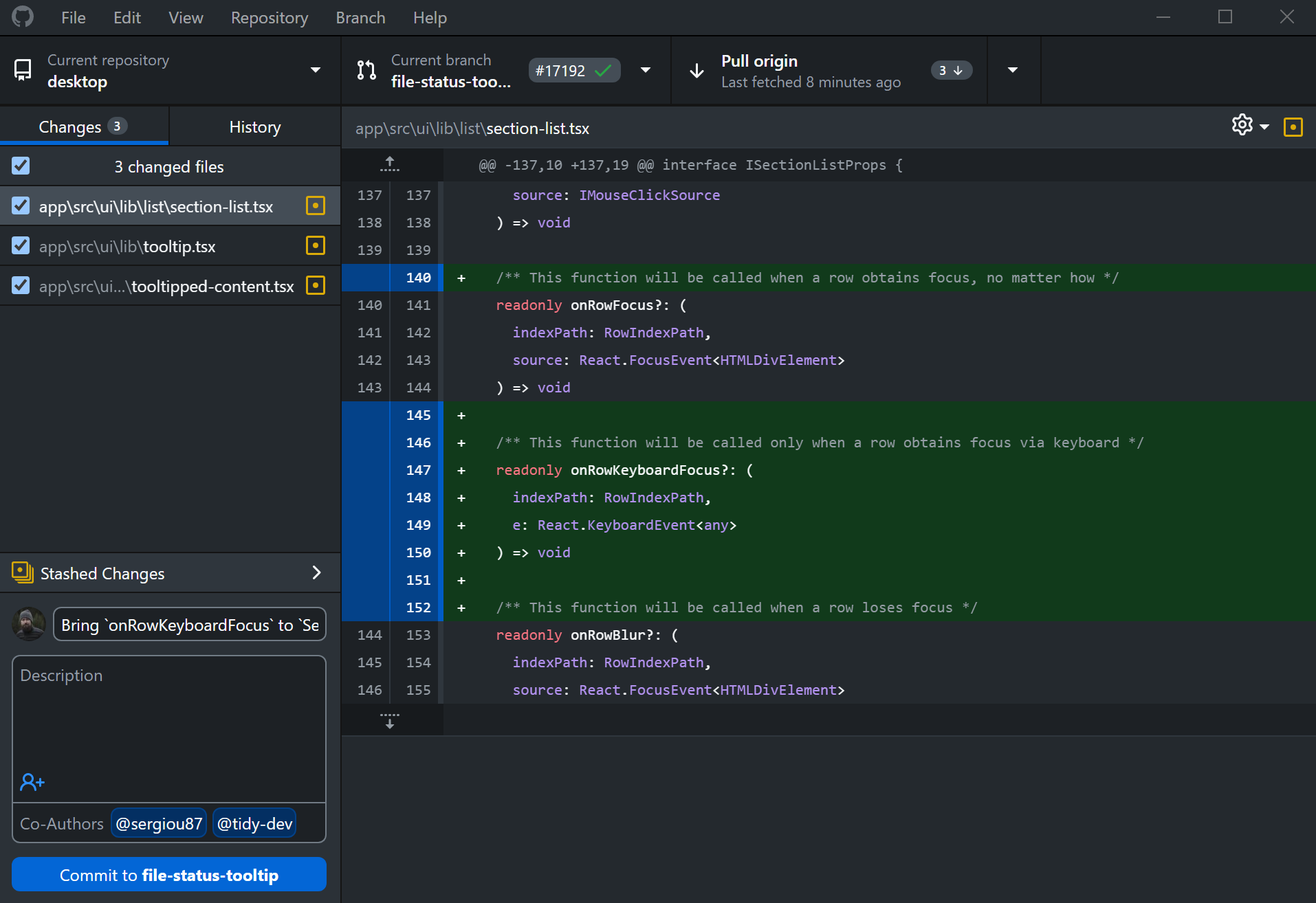
GitHub Desktop is a free, open-source graphical user interface for Git, simplifying development workflows and local code management for both new and seasoned Git users.
★
★
★
★
★
4.5
Free & Open SourceBest for: Developers seeking a simplified, visual Git experience without the command line
Always free with no paid tiers.
3 screenshots — click to enlarge
Screenshot 1Screenshot 2
✓ Pros
Free and open-source
Provides a graphical user interface for Git commands, simplifying workflow
Easy to review code changes with precision
Enables collaboration directly from the desktop
Suitable for both new and experienced Git users
✕ Cons
Linux is not officially supported (community releases exist)
Requires a 64-bit operating system for Windows
May be considered superfluous by users who prefer command-line Git or integrated IDE tools
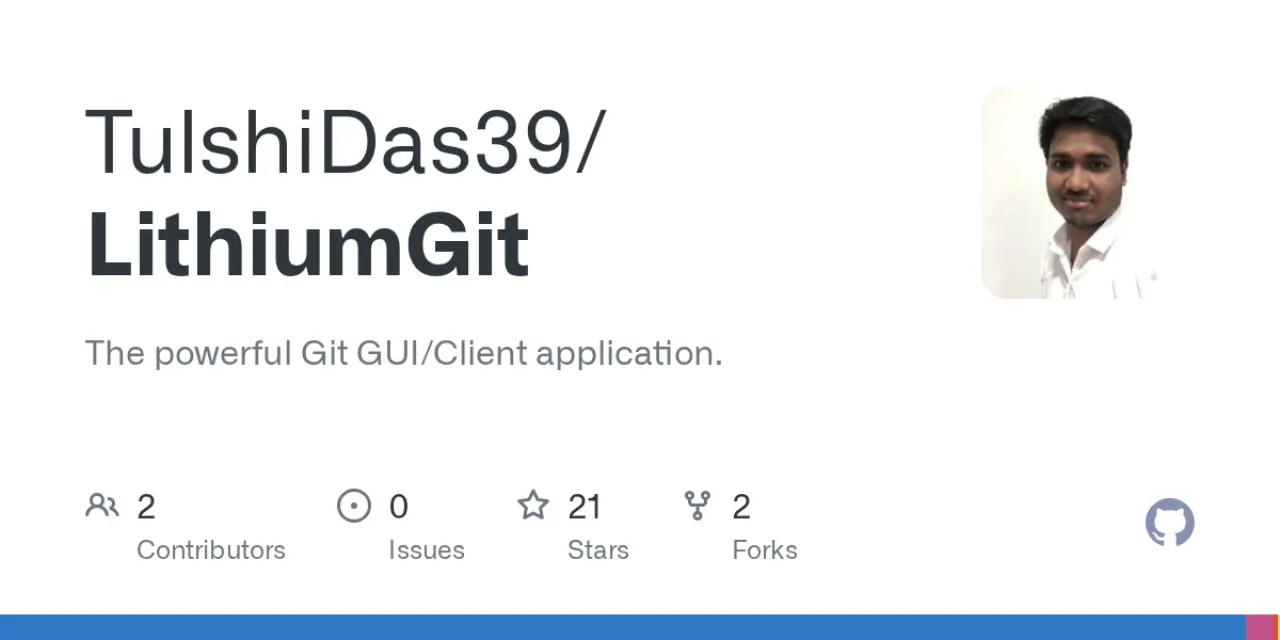
LithiumGit is a powerful, free, and open-source Git GUI client designed to optimize your Git workflow. It provides an intuitive graphical interface for Git operations across Windows, macOS, and Linux.
★
★
★
★
★
4.5
Free & Open SourceBest for: Developers of all skill levels
Free and open-source.
3 screenshots — click to enlarge
Screenshot 1Screenshot 2
✓ Pros
User-friendly interface
Advanced Git operations
Interactive graph view
Cross-platform support (Windows, macOS, Linux)
Customizable workflows
Origin-independent (works with any Git hosting platform)
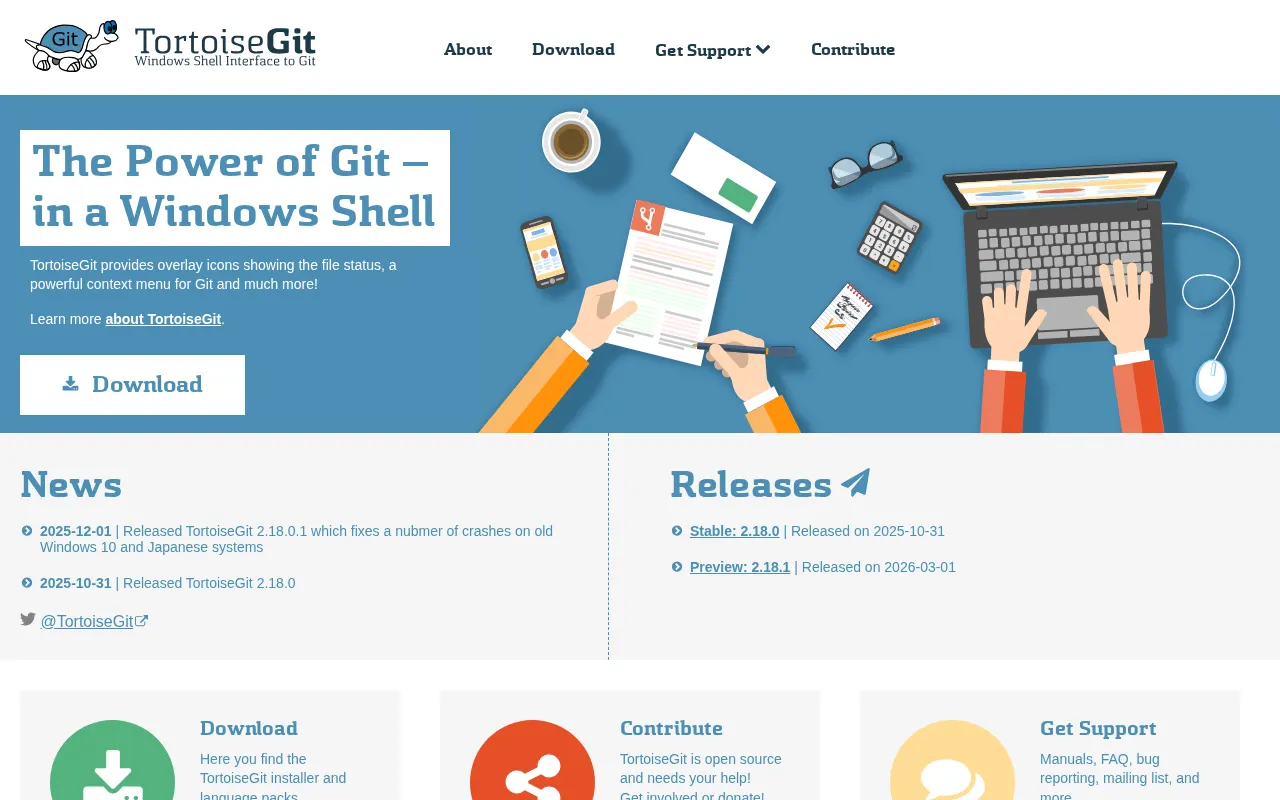
A free and open-source Windows Shell Interface to Git, TortoiseGit provides a graphical user interface for common Git operations within Windows Explorer, making Git accessible without command-line tools.
★
★
★
★
★
4.5
Free & Open SourceBest for: Windows users who prefer a graphical interface for Git over command-line tools.
Completely free for personal and commercial use.
1 screenshot — click to enlarge
Screenshot 1
✓ Pros
Provides a user-friendly GUI for Git operations within Windows Explorer.
Free and open-source, usable in commercial environments.
Lightweight and performs well.
Supports integration with issue tracking systems.
Includes tools like TortoiseGitMerge for diffing and conflict resolution.
✕ Cons
Requires a separate command-line Git client to be installed.
Primarily focused on Windows, not cross-platform.
Some links are affiliate. We never accept payment for inclusion or ranking.



 Screenshot 1