3 Free & Open Source Alternatives to Adobe Photoshop (2026)

Compare 3 free and open-source alternatives to Adobe Photoshop: GIMP, Krita, and Photopea. Pros, cons, pricing, and screenshots tested 2026.

Adobe Photoshop

Paid 4.0

Adobe Photoshop is the industry-standard raster graphics editor for photo editing, digital painting, compositing, and graphic design, used by professionals worldwide.

Paid
3 free options
Design Tools
4 / 5
Why people look for alternatives Adobe Photoshop requires a paid subscription for full access. Many users seek free or open-source alternatives that offer similar functionality without the ongoing cost or vendor lock-in.
[Adobe Photoshop screenshot]
Visit Adobe Photoshop →

Quick Comparison

Tool Pricing Best for Rating

Detailed Reviews

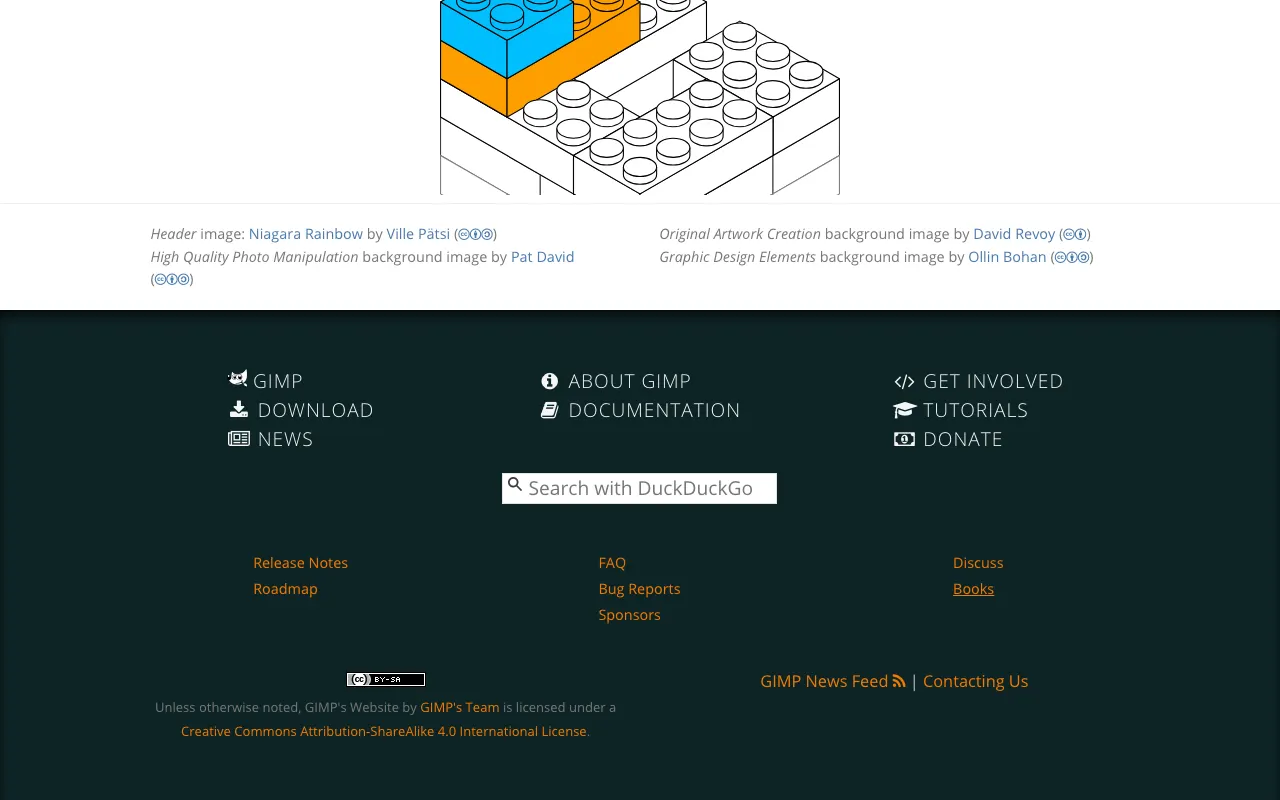
GIMP

A powerful open-source raster graphics editor for photo retouching, image composition, and authoring, available on Linux, macOS, and Windows.

4.0
Free & Open Source

1 screenshot — click to enlarge

GIMP Screenshot 1

✓ Pros

  • Completely free and open source under GPL — no subscription or one-time fee required
  • Supports a wide range of file formats including PSD for Photoshop compatibility

✕ Cons

  • Interface and workflow differ significantly from Photoshop, requiring a learning curve
  • Lacks advanced features like non-destructive layer effects and native CMYK editing

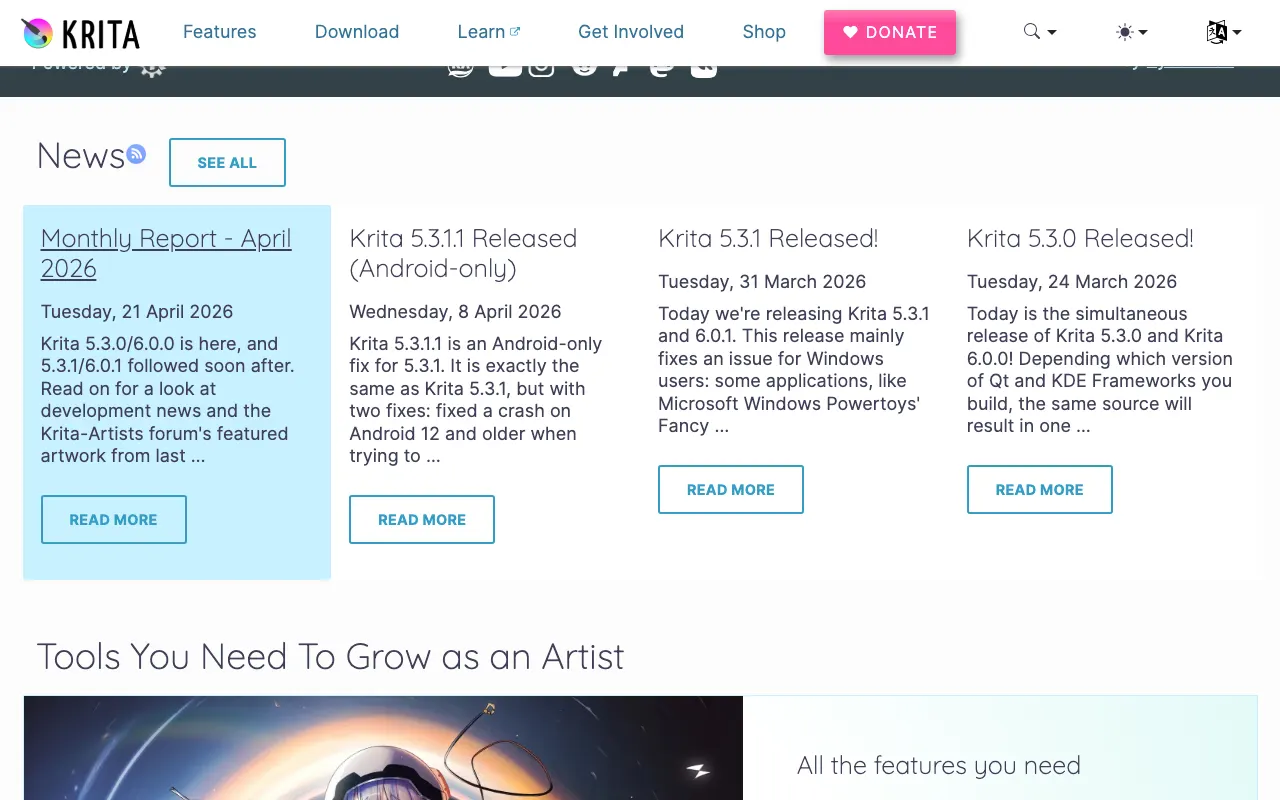
Krita

A professional open-source painting program designed for digital art, illustration, and concept art, with an exceptional brush engine.

4.0
Free & Open Source

1 screenshot — click to enlarge

Krita Screenshot 1

✓ Pros

  • Fully free and open source under GPL with a welcoming and active community
  • Exceptional brush engine and drawing tools that surpass Photoshop for digital artists

✕ Cons

  • Optimised for painting and illustration rather than photo editing or compositing workflows
  • Performance can struggle on very large files compared to Photoshop

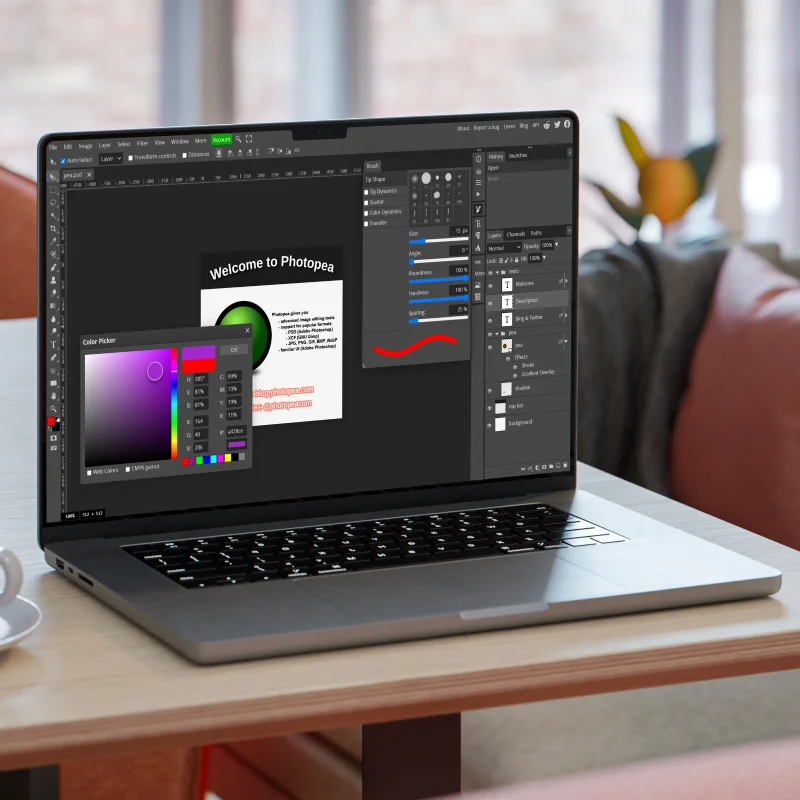
Photopea

A free browser-based photo editor with a Photoshop-like interface that reads and writes PSD files with no download or installation needed.

4.0
Freemium

Free with ads in the browser; Pro plan at $5/month removes ads and enables offline use.

1 screenshot — click to enlarge

Photo Screenshot 1

✓ Pros

  • Runs entirely in the browser — no installation, works on any operating system or device
  • Reads and writes PSD, AI, XCF, and Sketch files natively

✕ Cons

  • Not open source; requires an internet connection for the free ad-supported version
  • Performance is slower than native desktop apps for large files or complex projects

Some links are affiliate. We never accept payment for inclusion or ranking.