Compare 7 free and open-source alternatives to Outline: BookStack, Docmost, and DokuWiki (+4 more). Pros, cons, pricing, and screenshots tested 2026.
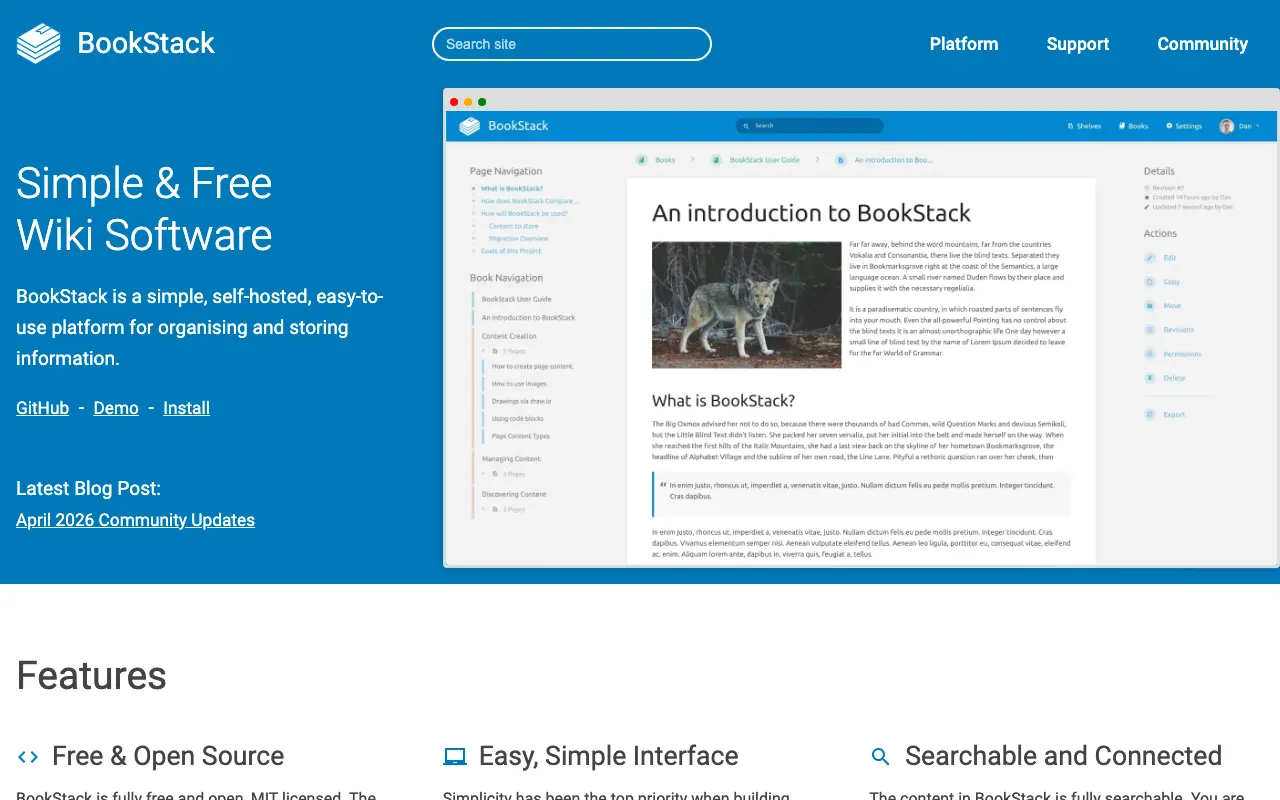
Detailed Reviews Free & Open Source Best for: Organized documentation with book/chapter/page hierarchy
Completely free and open source, self-hosted only
1 screenshot — click to enlarge
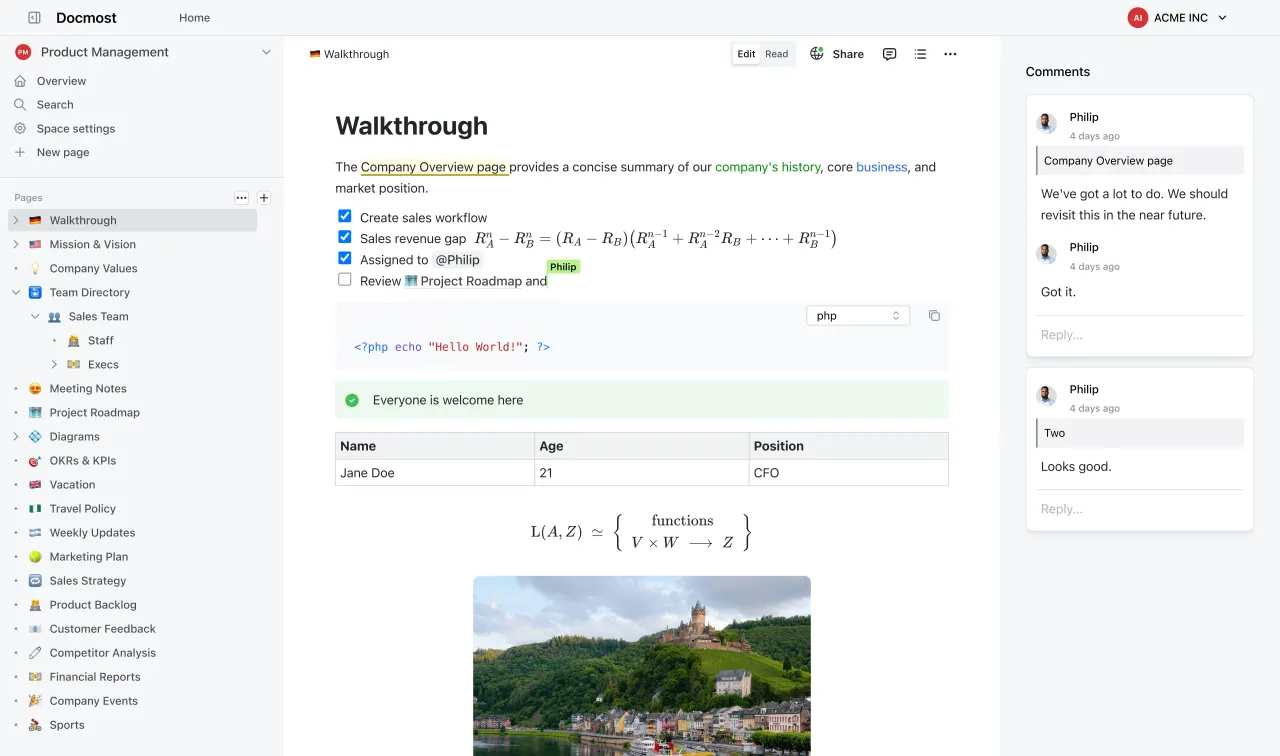
Screenshot 1 ✓ Pros Intuitive book/chapter/page hierarchy for organized documentation Clean WYSIWYG editor accessible to non-technical users Built-in image management and search functionality ✕ Cons Limited advanced customization compared to some enterprise wikis Fewer third-party integrations than commercial alternatives Freemium (Open Source) Best for: Teams seeking modern Confluence/Notion alternatives
Free open source core, paid enterprise features
2 screenshots — click to enlarge
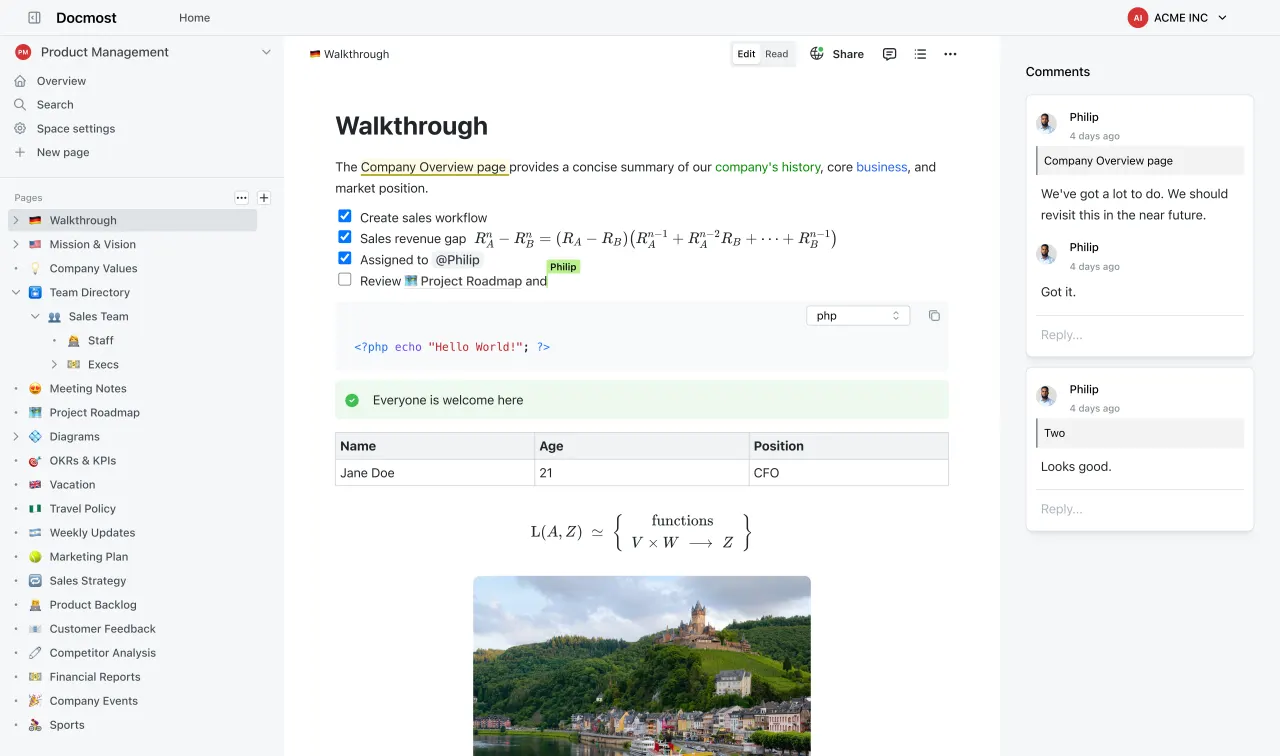
Screenshot 1 Screenshot 2 ✓ Pros Modern interface similar to Confluence and Notion Real-time collaborative editing and task management features Active development with regular updates ✕ Cons Younger project with smaller community than established wikis Fewer third-party integrations than mature platforms Free & Open Source Best for: Lightweight deployment without database requirements
Completely free and open source under GPLv2
3 screenshots — click to enlarge
Screenshot 1 Screenshot 2 +1 more ✓ Pros No database required—stores all content in plain text files Exceptionally easy to install, backup, and migrate Large collection of plugins and templates available ✕ Cons Performance may degrade with very large numbers of pages Interface less modern than some newer wiki platforms Free & Open Source Best for: Large-scale collaborative projects and communities
Free and open source under GNU GPL
1 screenshot — click to enlarge
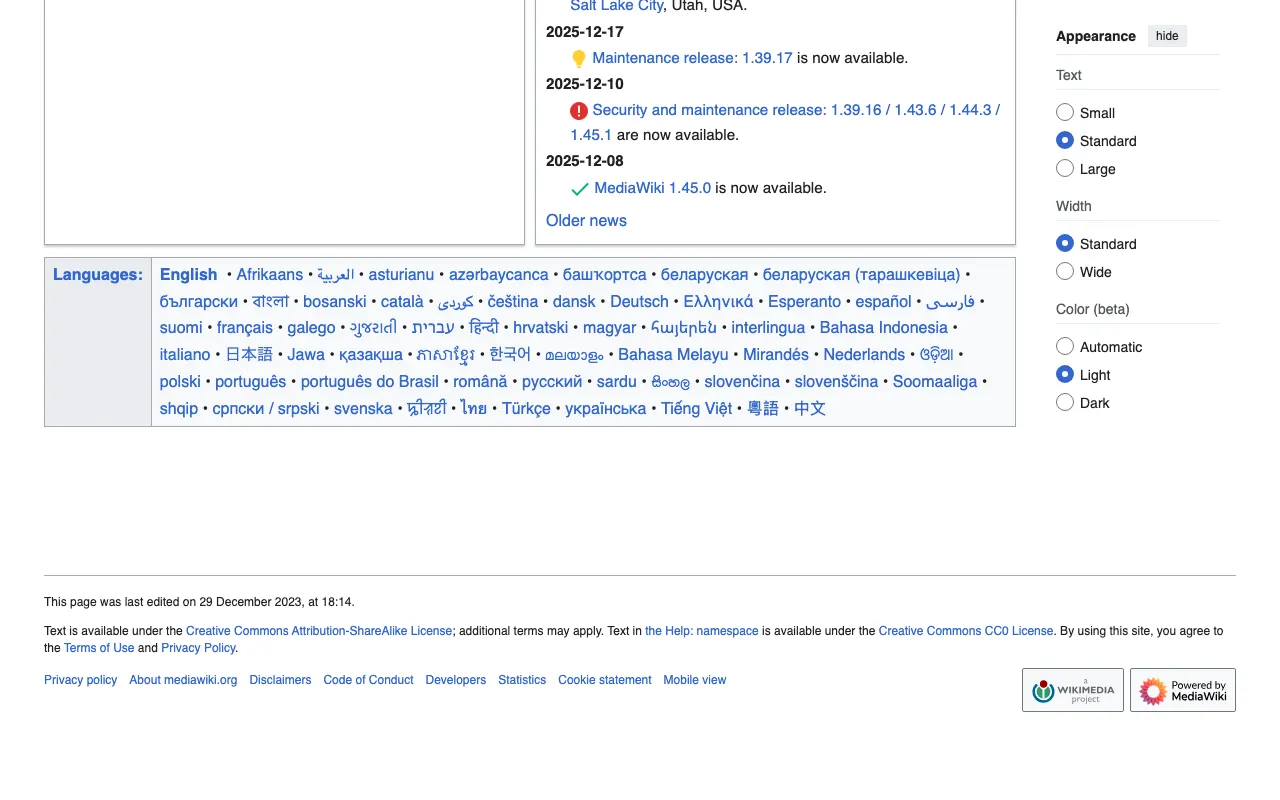
Screenshot 1 ✓ Pros Proven scalability for massive collaborative projects (powers Wikipedia) Sophisticated revision control and user permission systems Rich extension ecosystem and strong community support ✕ Cons Steeper learning curve for administration and editing Interface less intuitive than modern wiki platforms Free & Open Source Best for: Personal knowledge management and portable wikis
Completely free and open source
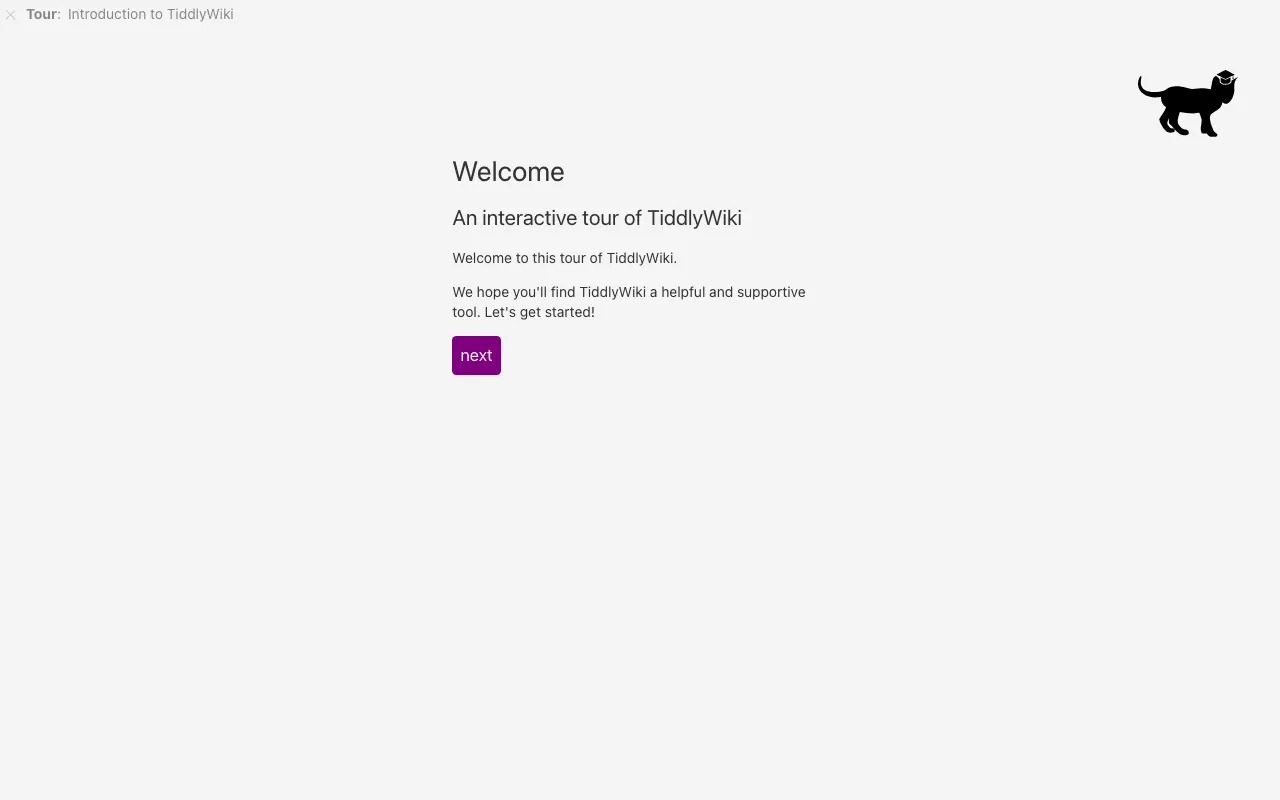
2 screenshots — click to enlarge
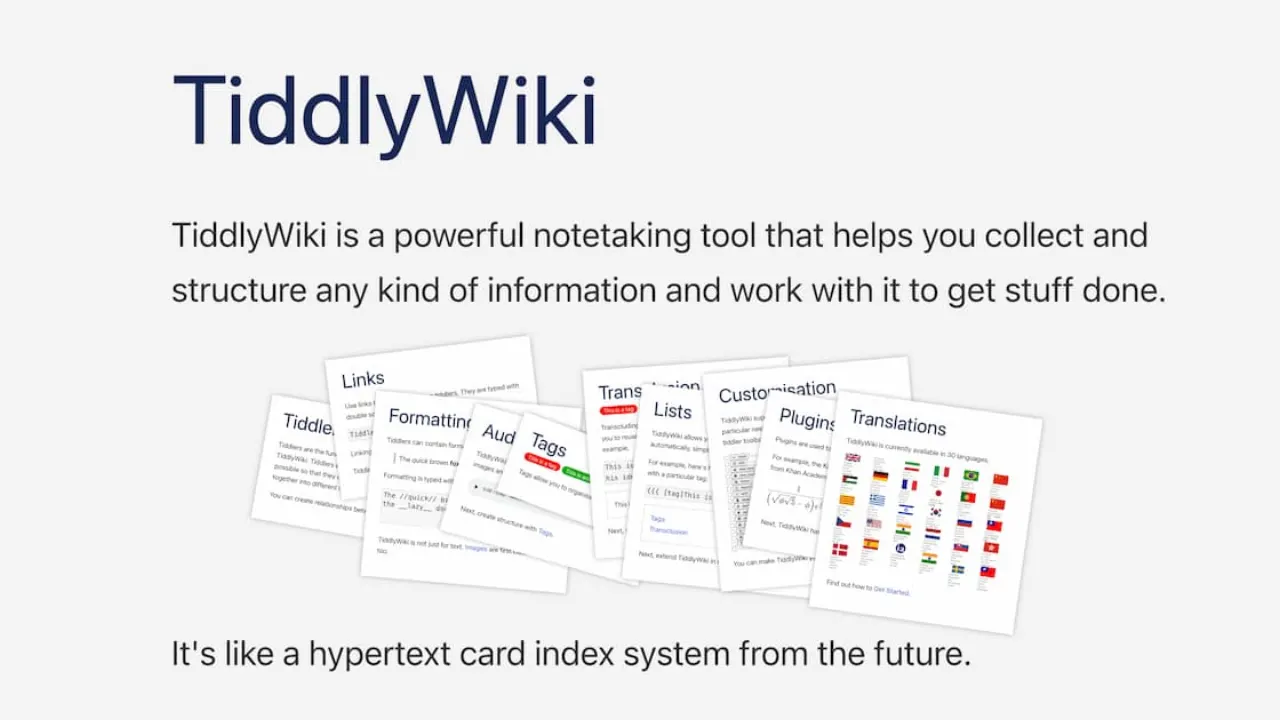
Screenshot 1 Screenshot 2 ✓ Pros Single HTML file format makes it completely portable No server installation required—runs directly in browser Highly customizable through plugins and themes ✕ Cons Limited native collaboration features in basic form Different paradigm from traditional wikis may require adjustment Free & Open Source Best for: Technical teams needing Git integration and markdown
Free and open source, self-hosted only
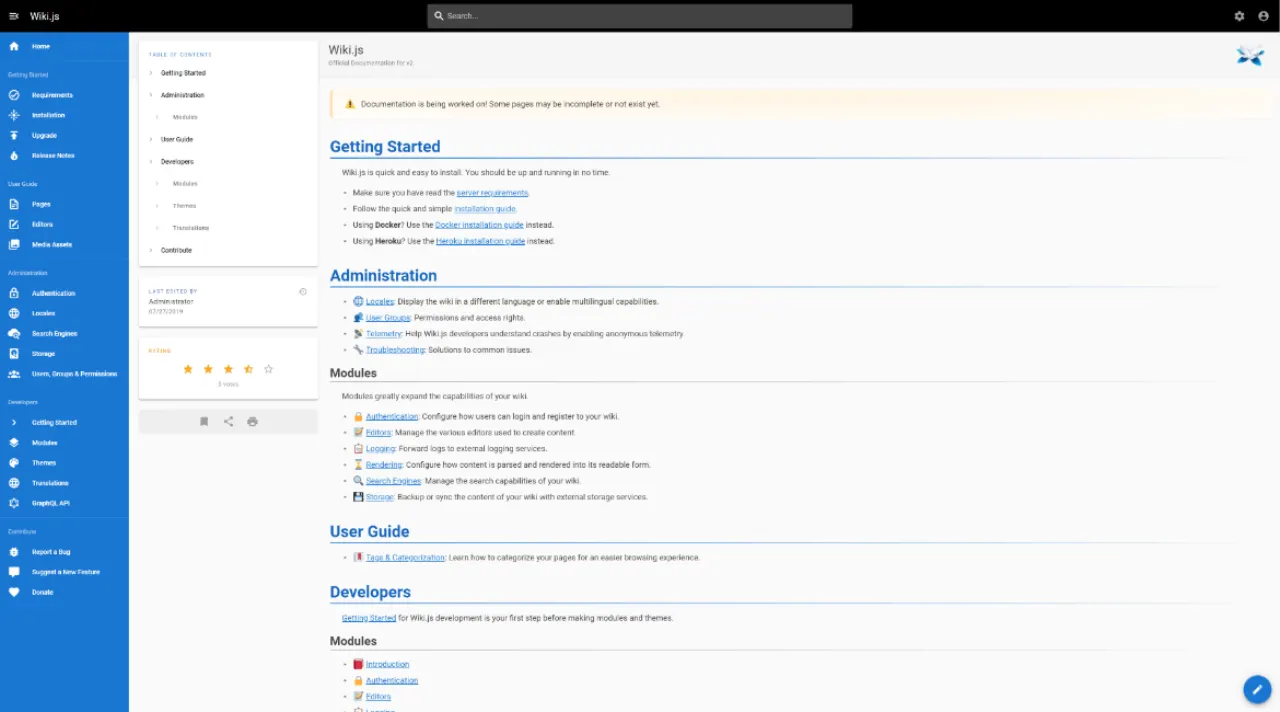
3 screenshots — click to enlarge
Screenshot 1 Screenshot 2 +1 more ✓ Pros Native Git integration for robust version control and backup Modern JavaScript/Node.js architecture with good performance Supports multiple markup languages (markdown, visual editor, AsciiDoc) ✕ Cons Requires Node.js knowledge for advanced customization Git workflow may be complex for non-technical users Free & Open Source Best for: Enterprise environments needing extensive customization
Free open source core, paid cloud hosting available
3 screenshots — click to enlarge
Screenshot 1 Screenshot 2 +1 more ✓ Pros Enterprise-grade features with extensive customization options Supports both unstructured wiki content and structured data management Strong integration capabilities with LDAP/Active Directory ✕ Cons Steeper learning curve due to extensive feature set More resource-intensive than lightweight wiki solutions 


 Screenshot 1