Introduction
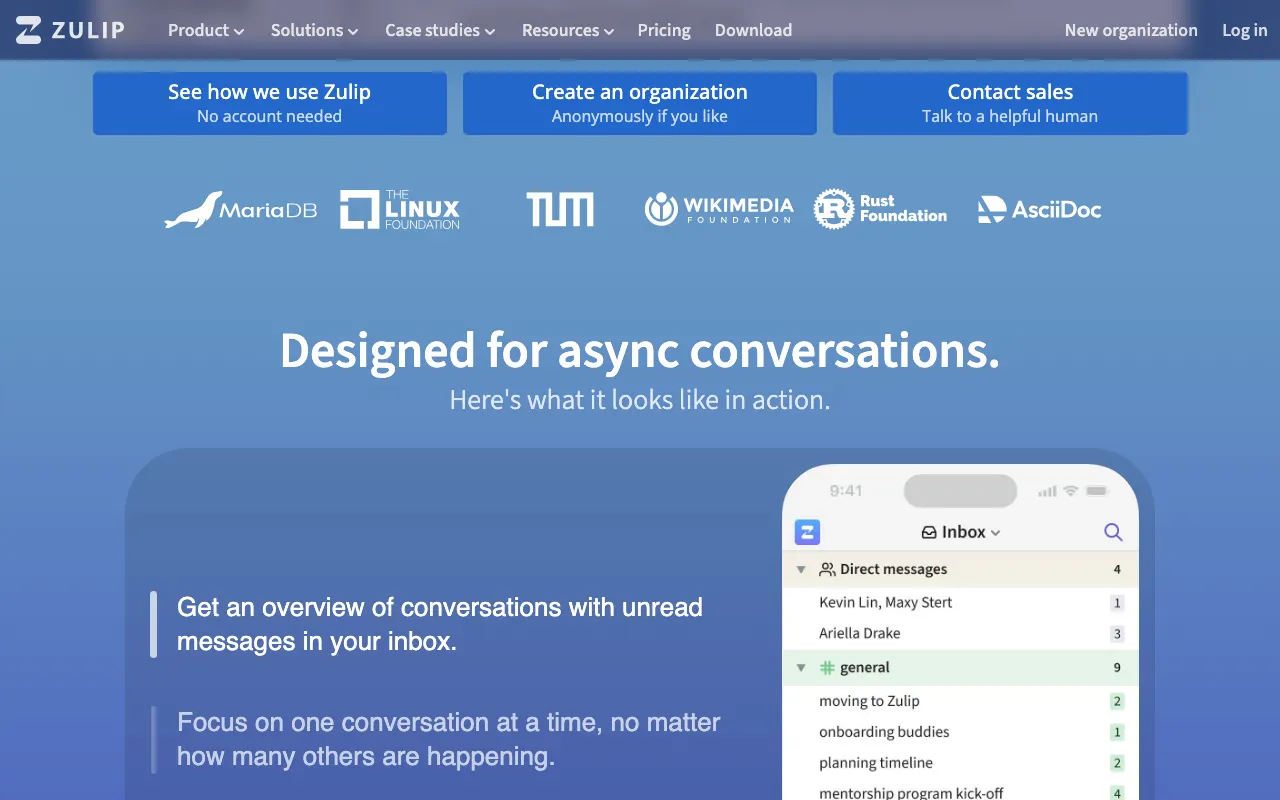
Zulip is an open-source team communication platform that revolutionizes how teams interact by organizing conversations into topic-based threads. This unique approach combines the immediacy of chat with the clarity of email, making it an excellent alternative to tools like Microsoft Teams for organizations seeking more structured and efficient communication. Zulip helps transform discussions into a searchable knowledge base, improving both real-time and asynchronous collaboration.
Features
Zulip offers a robust set of features designed to enhance team communication and productivity:
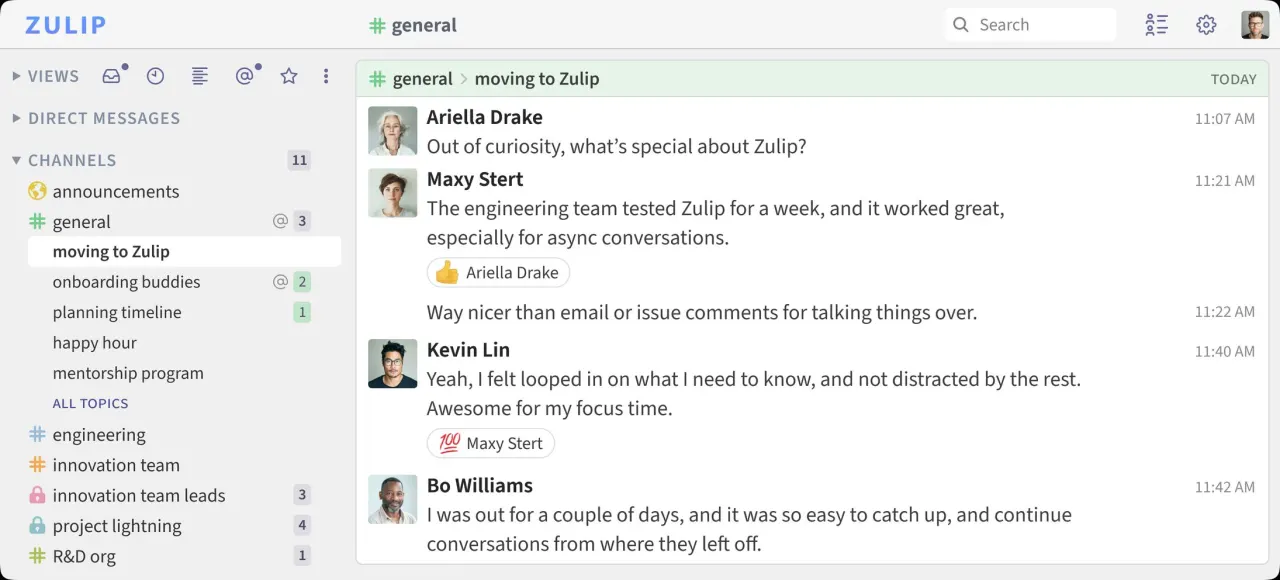
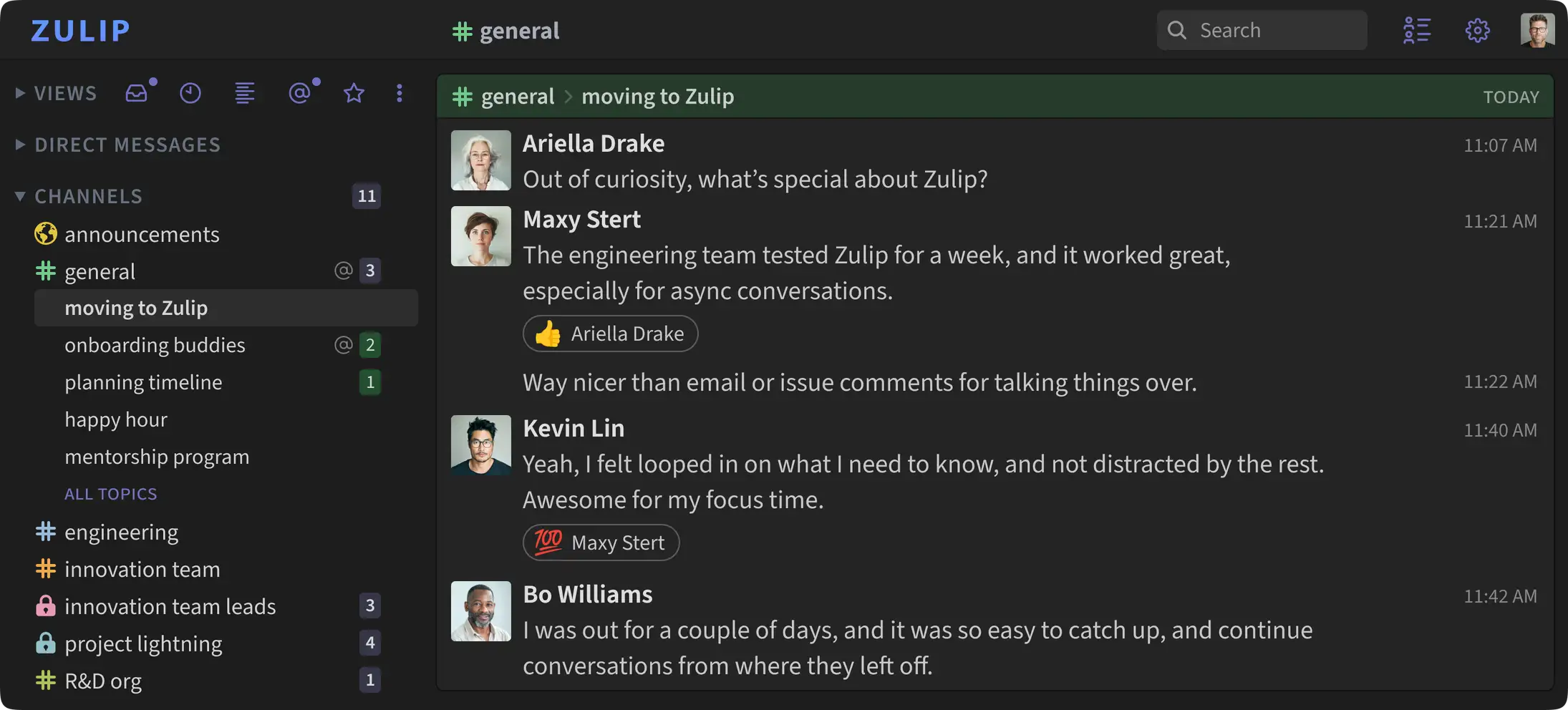
- Topic-Based Threading: Organize all conversations by topic, ensuring discussions remain focused and easy to follow, even for new team members.
- Real-time and Asynchronous Communication: Seamlessly switch between live discussions and asynchronous updates, catering to diverse team workflows and time zones.
- Searchable Knowledge Base: All chat history is preserved and easily searchable, effectively turning your communications into a living, accessible knowledge base.
- Cross-Platform Availability: Access Zulip from anywhere with dedicated apps for web, desktop (Windows, macOS, Linux), mobile (iOS, Android), and even a terminal client.
- Extensive Integrations: Connect Zulip with your favorite tools and services through a wide range of integrations.
- Expressive Formatting and Collaborative Messages: Enhance your messages with rich formatting, including code snippets and LaTeX, and facilitate collaboration with built-in polls and to-do lists.
- Open-Source and Self-Hosting Options: Benefit from 100% open-source software, offering full data control with flexible self-hosting options.
- Non-Profit and Open-Source Project Support: Zulip provides free or discounted plans for eligible non-profit organizations and open-source projects.