3 Free & Open Source Alternatives to Microsoft Visio (2026)
Compare 3 free and open-source alternatives to Microsoft Visio: Dia Diagram Editor, draw.io, and LibreOffice Draw. Pros, cons, pricing, and screenshots tested 2026.
Microsoft Visio
Paid
★
★
★
★
★
3.5
Microsoft Visio is a diagramming tool for creating detailed flowcharts, organization charts, network diagrams, and other visuals, serving industries like architecture, engineering, and IT.
Paid
3 free options
Diagramming Whiteboard
3.5 / 5
💡
Why people look for alternatives Microsoft Visio requires a paid subscription for full access. Many users seek free or open-source alternatives that offer similar functionality without the ongoing cost or vendor lock-in.
Free and open-source diagramming software for Windows, macOS, and Linux. It supports over 30 diagram types with a vast library of objects for creating flowcharts, network diagrams, and more.
★
★
★
★
★
4.0
Free & Open SourceBest for: Engineers, students, and architects needing to visualize ideas
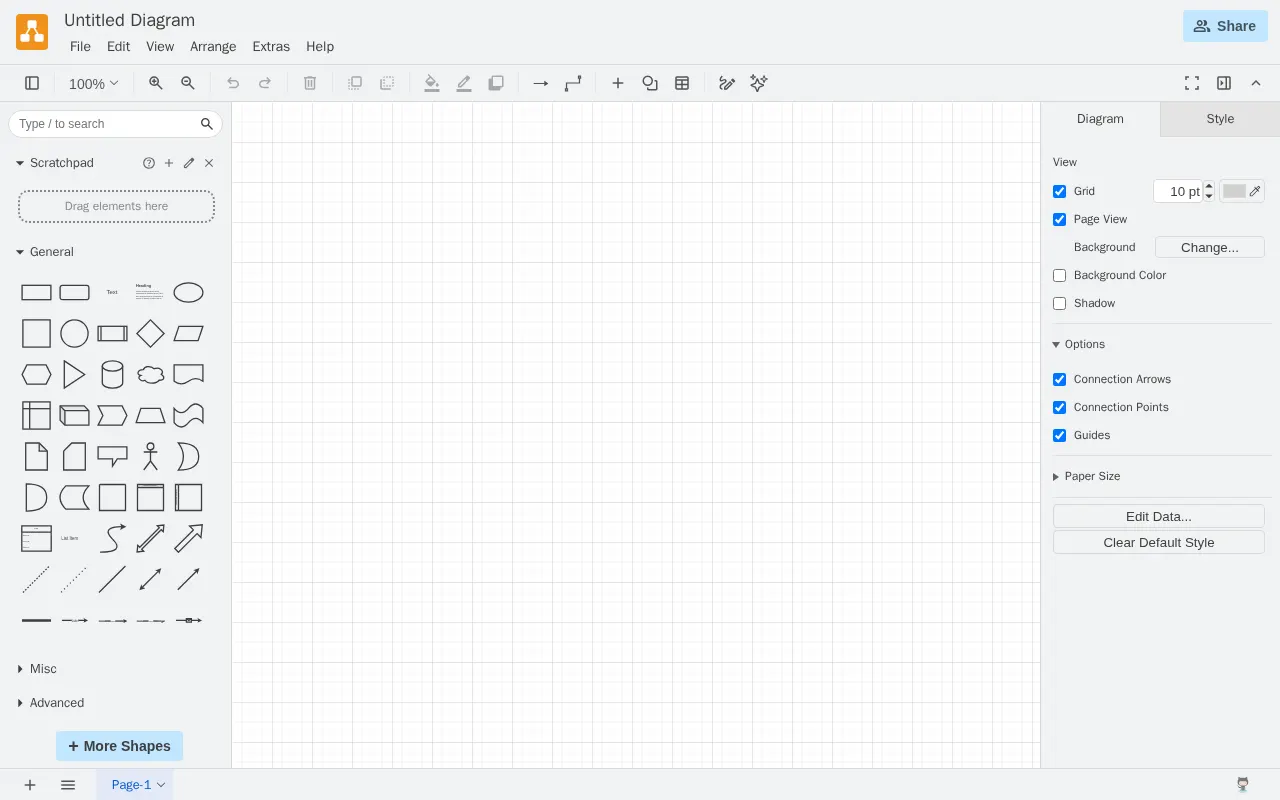
draw.io is a diagram program and collaborative vector graphics editor available as a browser-based and a desktop app, offering features like drag-and-drop and data import/export.
★
★
★
★
★
4.0
FreemiumBest for: Information technology professionals, designers, and small businesses
Free online, with paid plans for Atlassian integrations and additional features.
1 screenshot — click to enlarge
Screenshot 1
✓ Pros
Intuitive user interface and ease of use
Extensive template library and customization options
Free for most online use cases
Strong collaboration features, especially with Google Drive
Available as both browser-based and desktop application
Supports various data import/export formats
✕ Cons
Limited technical support
Complex pricing for Atlassian integrations
Some advanced or specialty features may be missing
Default design templates can be lackluster
Limited import compatibility for certain file types (e.g., Visio)
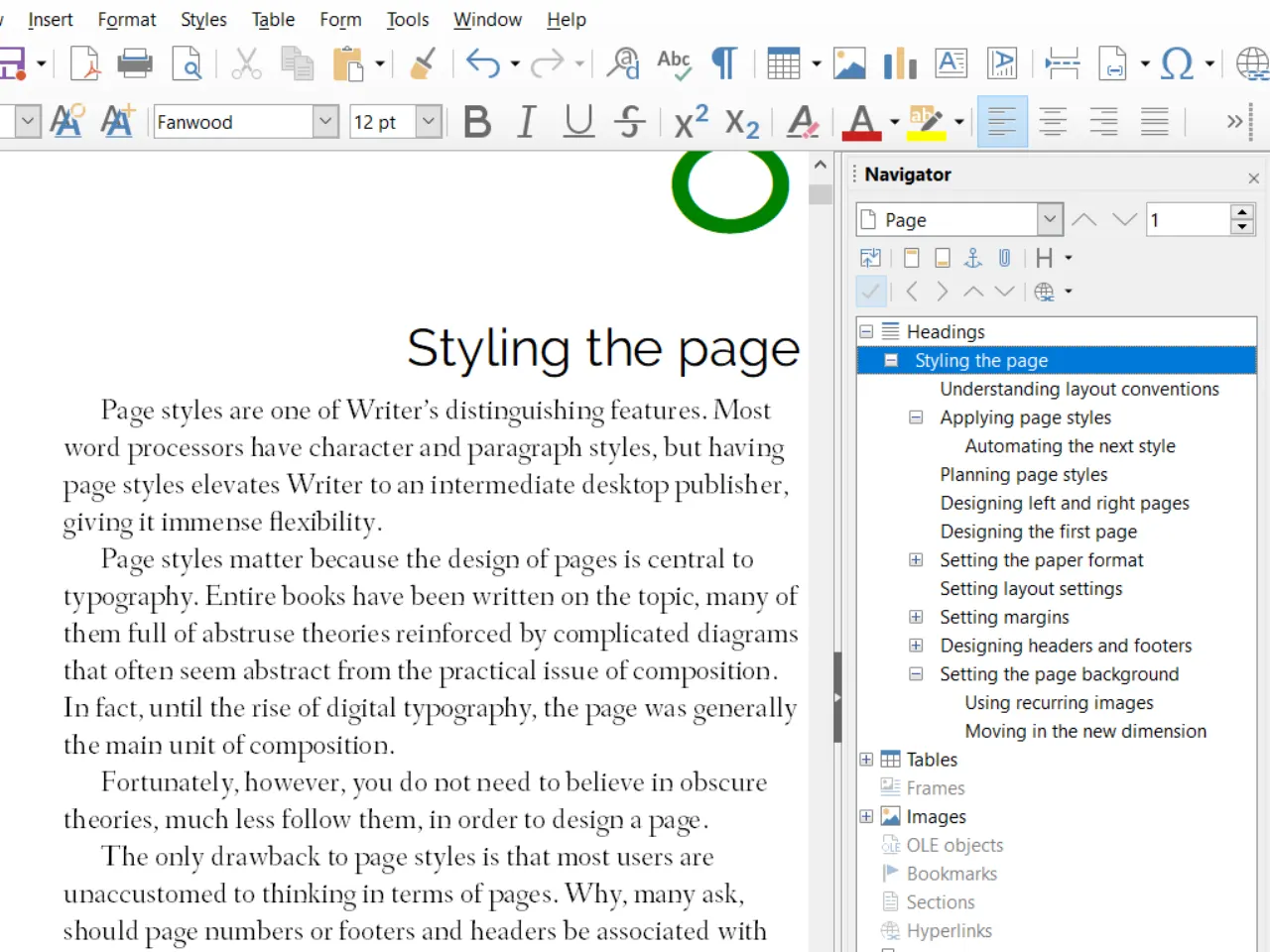
LibreOffice Draw is a free and open-source vector graphics editor and diagramming tool for creating flowcharts, technical drawings, posters, and other vector graphics.
★
★
★
★
★
4.0
Free & Open SourceBest for: Diagrams, flowcharts, and vector graphics (free/open-source)
1 screenshot — click to enlarge
Screenshot 1
✓ Pros
Free and open-source
Good compatibility with various file formats (including Microsoft Office)
Customizable
Strong community support
✕ Cons
Not as full-featured as dedicated professional drawing applications
Some advanced features can be difficult to use
Macro functionality is less flexible than in Microsoft Office apps
Some links are affiliate. We never accept payment for inclusion or ranking.