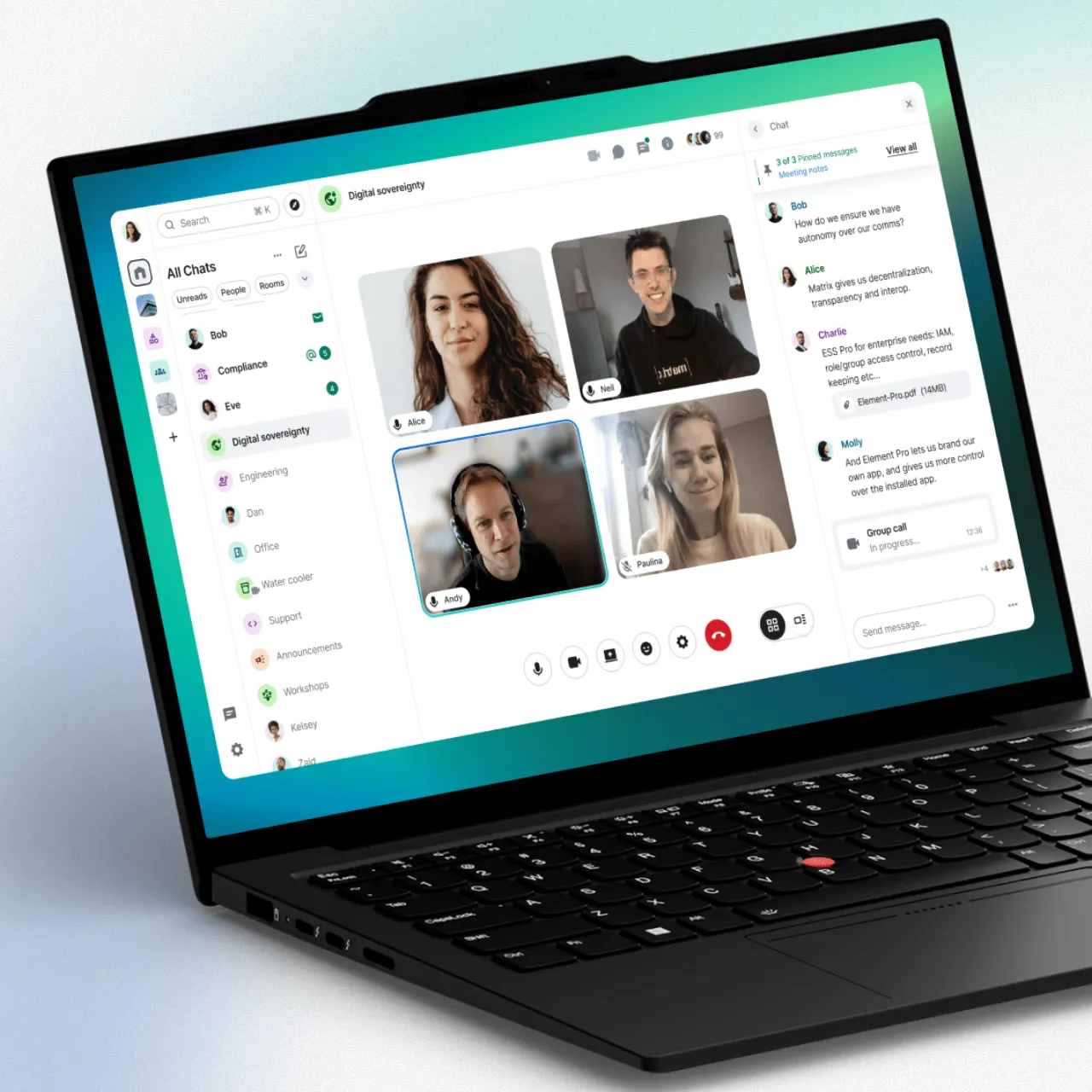
Introduction
Element is a powerful, end-to-end encrypted communication platform built on the open-source Matrix protocol. It offers a decentralized approach to messaging, making it a compelling alternative to tools like Telegram and Microsoft Teams for users who prioritize privacy, security, and data control. With its flexible hosting options, Element is ideal for individuals and organizations seeking a robust and customizable communication solution.
Features
Element provides a comprehensive suite of features designed for secure and efficient communication:
- End-to-End Encryption: All communications, including messages, files, and calls, are secured with strong end-to-end encryption, ensuring privacy and data integrity.
- Decentralized Architecture: Based on the Matrix protocol, Element is decentralized, giving users and organizations more control over their data and communication infrastructure. It supports self-hosting, offering ultimate flexibility.
- Public and Private Rooms: Create dedicated spaces for team collaboration, project discussions, or public communities with granular access controls.
- File Sharing and Voice/Video Calls: Seamlessly share files and conduct high-quality audio and video calls directly within the platform.
- Cross-Platform Availability: Access Element across various devices, including web browsers, desktop applications (Windows, macOS, Linux), and mobile apps (iOS, Android).
- Granular Notification Controls: Customize your notification settings to stay informed without being overwhelmed.
- Robust API and Community: Leverage Element’s powerful API for custom integrations and benefit from an active open-source community.
- Enterprise-Grade Capabilities: Element offers features suitable for professional and enterprise use, including corporate oversight and management, used by entities requiring high security like the French government.