4 Free & Open Source Alternatives to Adobe Premiere Pro (2026)

Compare 4 free and open-source alternatives to Adobe Premiere Pro: DaVinci Resolve, Kdenlive, and OpenShot (+1 more). Pros, cons, pricing, and screenshots tested 2026.

Adobe Premiere Pro

Paid 4.0

Adobe Premiere Pro is a professional video editing application used for film, TV, and web content, offering advanced timeline editing, color grading, and audio tools.

Paid
4 free options
Design Tools
4 / 5
Why people look for alternatives Adobe Premiere Pro requires a paid subscription for full access. Many users seek free or open-source alternatives that offer similar functionality without the ongoing cost or vendor lock-in.
[Adobe Premiere Pro screenshot]
Visit Adobe Premiere Pro →

Quick Comparison

Tool Pricing Best for Rating

Detailed Reviews

DaVinci Resolve

A professional video editing and color grading application with a powerful free version that rivals commercial editors in features and quality.

4.0
Freemium

Free version is full-featured for most use cases with no watermark; DaVinci Resolve Studio is a one-time $295 upgrade for advanced GPU effects.

3 screenshots — click to enlarge

DaV Screenshot 1
Blackmagic Design Screenshot 2

✓ Pros

  • Free version is genuinely professional-grade with no export watermark on final videos
  • Industry-standard color grading tools used in Hollywood film and TV productions

✕ Cons

  • Not open source; Blackmagic Design controls the roadmap and free-versus-paid feature split
  • Resource-intensive — requires a capable GPU for smooth real-time playback on complex timelines

Kdenlive

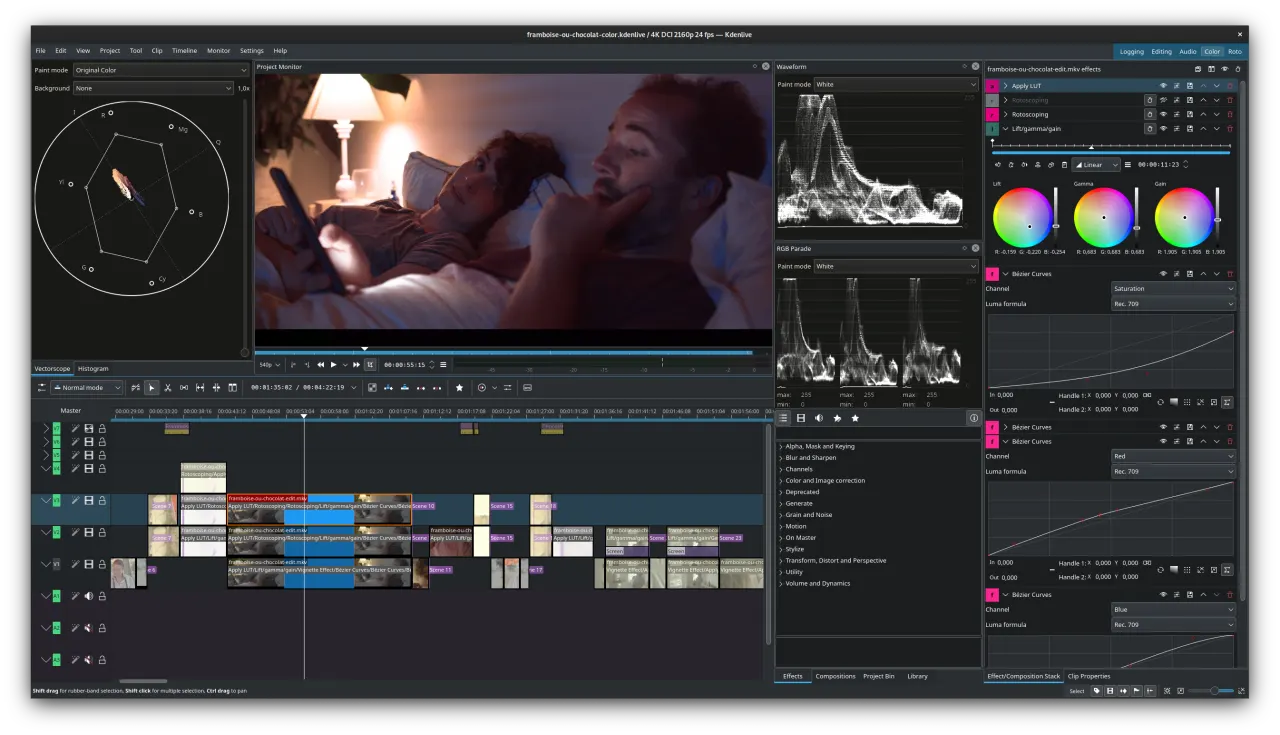
A free, open-source video editor for Linux, macOS, and Windows with multi-track editing, built-in effects, and a non-linear timeline.

4.0
Free & Open Source

2 screenshots — click to enlarge

Kdenlive Screenshot 1
Kdenlive Screenshot 2

✓ Pros

  • Fully open source under GPL — no watermarks, no paid tiers, and no feature restrictions
  • Active development with regular releases and a supportive community for bug reports

✕ Cons

  • Interface can feel less polished than commercial editors like Premiere Pro or Resolve
  • Occasional stability issues on Windows compared to its more reliable Linux performance

OpenShot

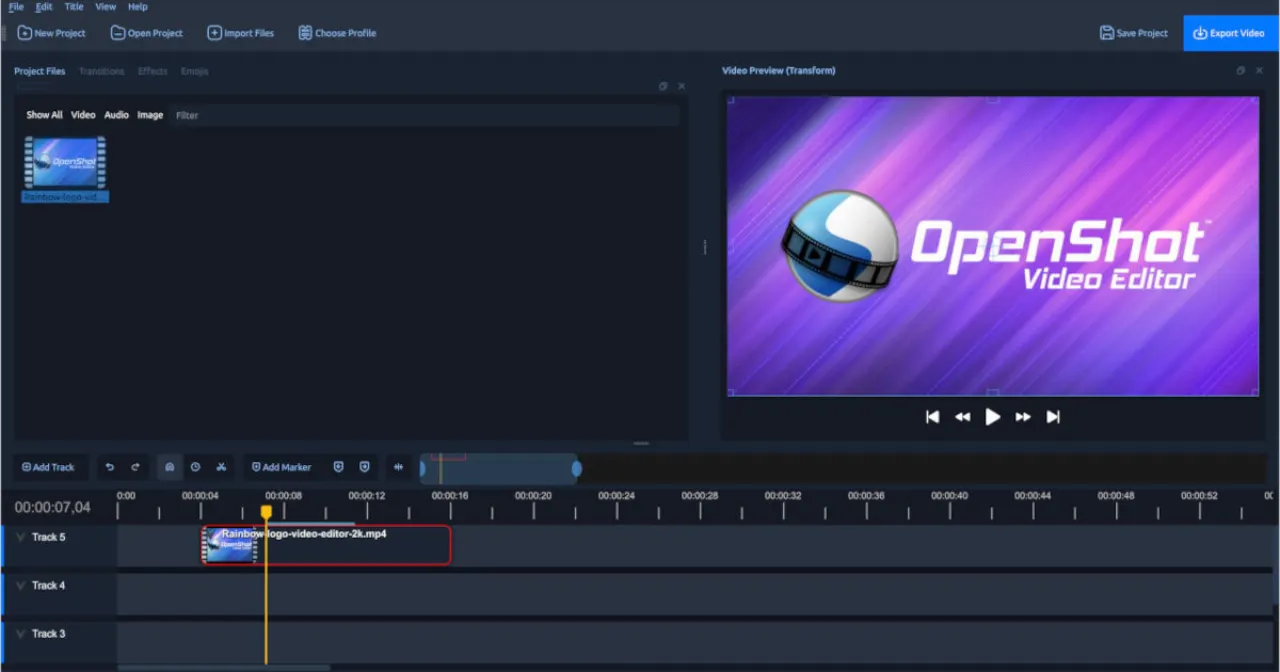
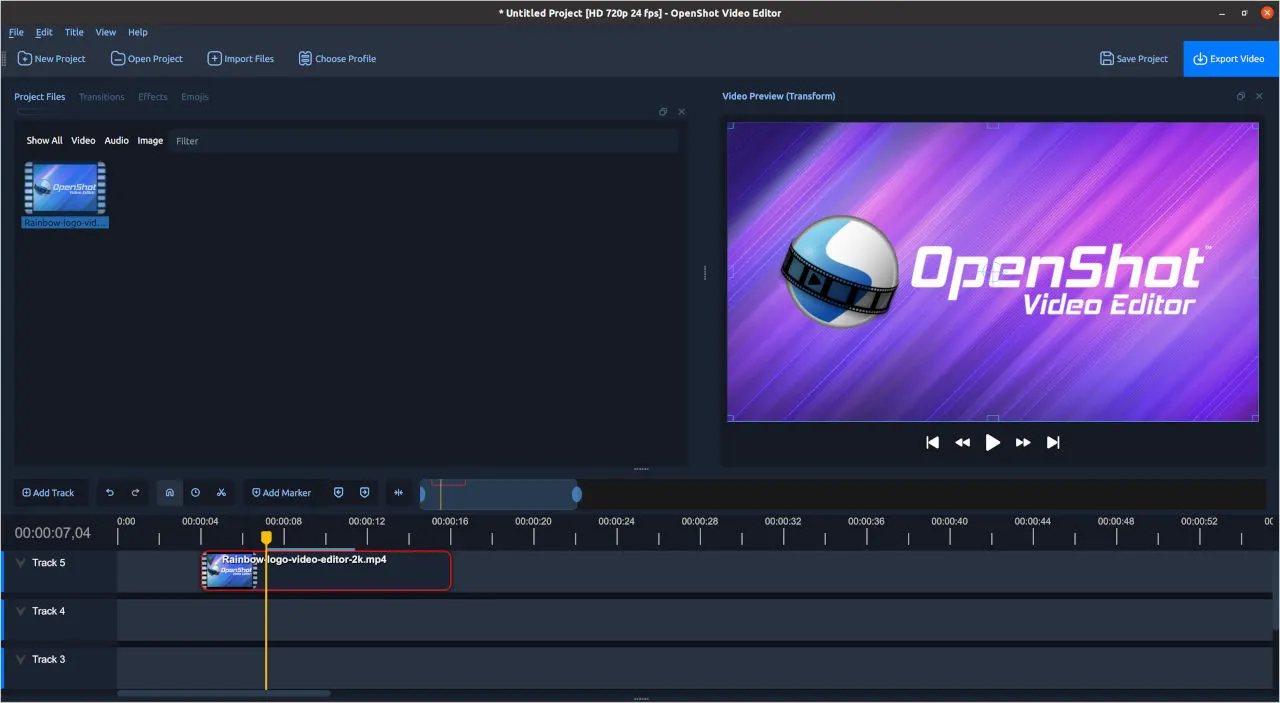
A simple, cross-platform open-source video editor designed for beginners, with drag-and-drop editing, titles, and animation keyframes.

4.0
Free & Open Source

2 screenshots — click to enlarge

OpenShot Screenshot 1
OpenShot Features Screenshot 2

✓ Pros

  • Beginner-friendly interface with a gentle learning curve and minimal setup required
  • Fully free and open source under GPL with no feature restrictions or export watermarks

✕ Cons

  • Limited advanced features compared to Premiere Pro or DaVinci Resolve for professionals
  • Can be slow on large projects; performance is weaker than more mature competitors

Shotcut

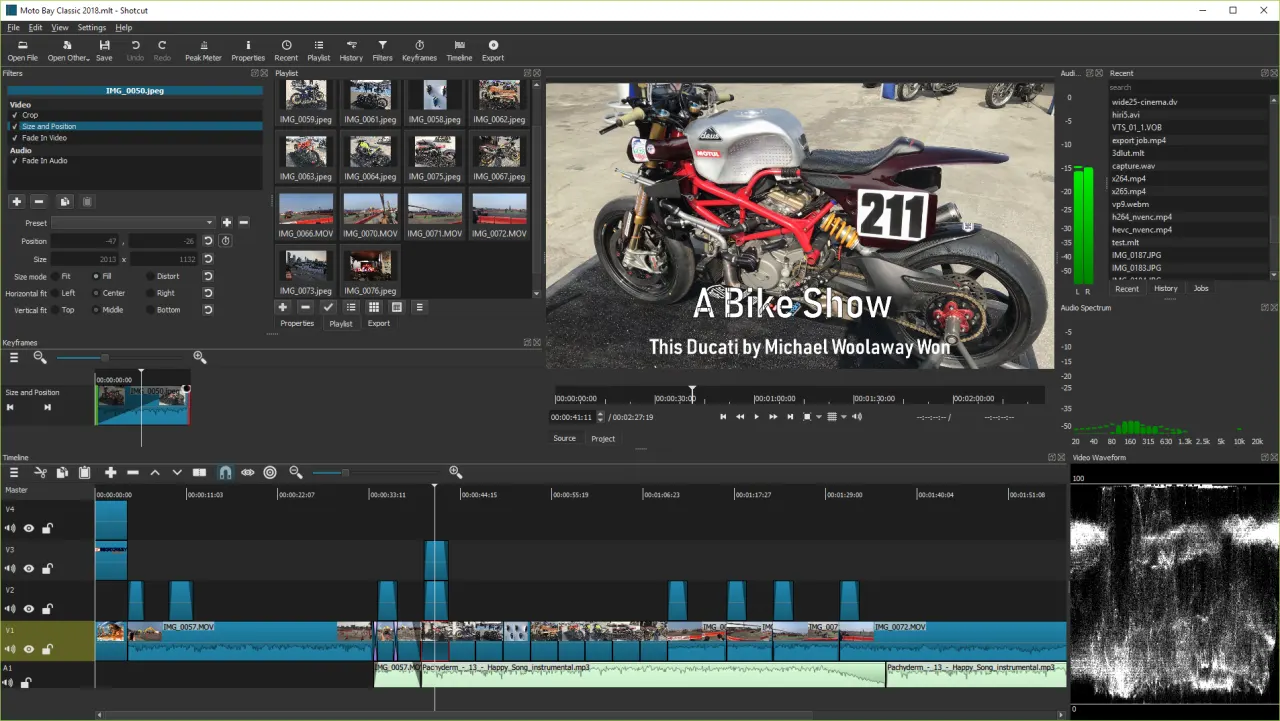
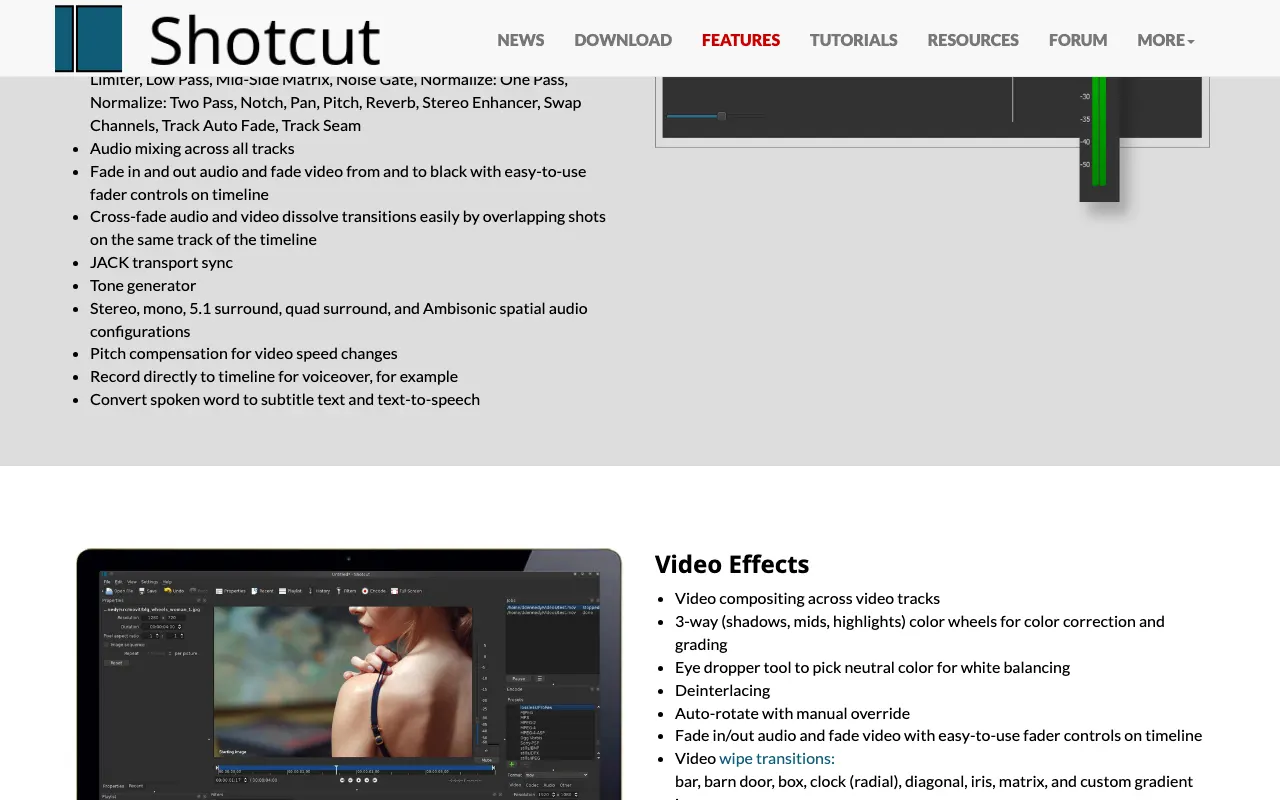
A free, open-source, cross-platform video editor with native timeline editing, broad format support via FFmpeg, and no export watermarks.

4.0
Free & Open Source

2 screenshots — click to enlarge

Shot Screenshot 1
Shotcut features Screenshot 2

✓ Pros

  • Completely free and open source with no export watermark or paid tier restrictions
  • Broad format support via FFmpeg — handles nearly any video or audio file format natively

✕ Cons

  • Interface layout can be confusing for users transitioning from Premiere Pro
  • Limited third-party effects and plugins compared to commercial video editors

Some links are affiliate. We never accept payment for inclusion or ranking.