4 Free & Open Source Alternatives to JetBrains IntelliJ IDEA (2026)
Compare 4 free and open-source alternatives to JetBrains IntelliJ IDEA: VSCodium, Apache NetBeans, and BlueJ (+1 more). Pros, cons, pricing, and screenshots tested 2026.
JetBrains IntelliJ IDEA
Freemium
★
★
★
★
★
4.5
An Integrated Development Environment (IDE) for professional development in Java and Kotlin, designed to maximize developer productivity with clever code completion, static code analysis, and refactorings.
Freemium
4 free options
Developer Tools
4.5 / 5
💡
Why people look for alternatives JetBrains IntelliJ IDEA has a free tier with limitations. Many users seek fully free or open-source alternatives that offer the same capabilities without paywalled features or usage caps.
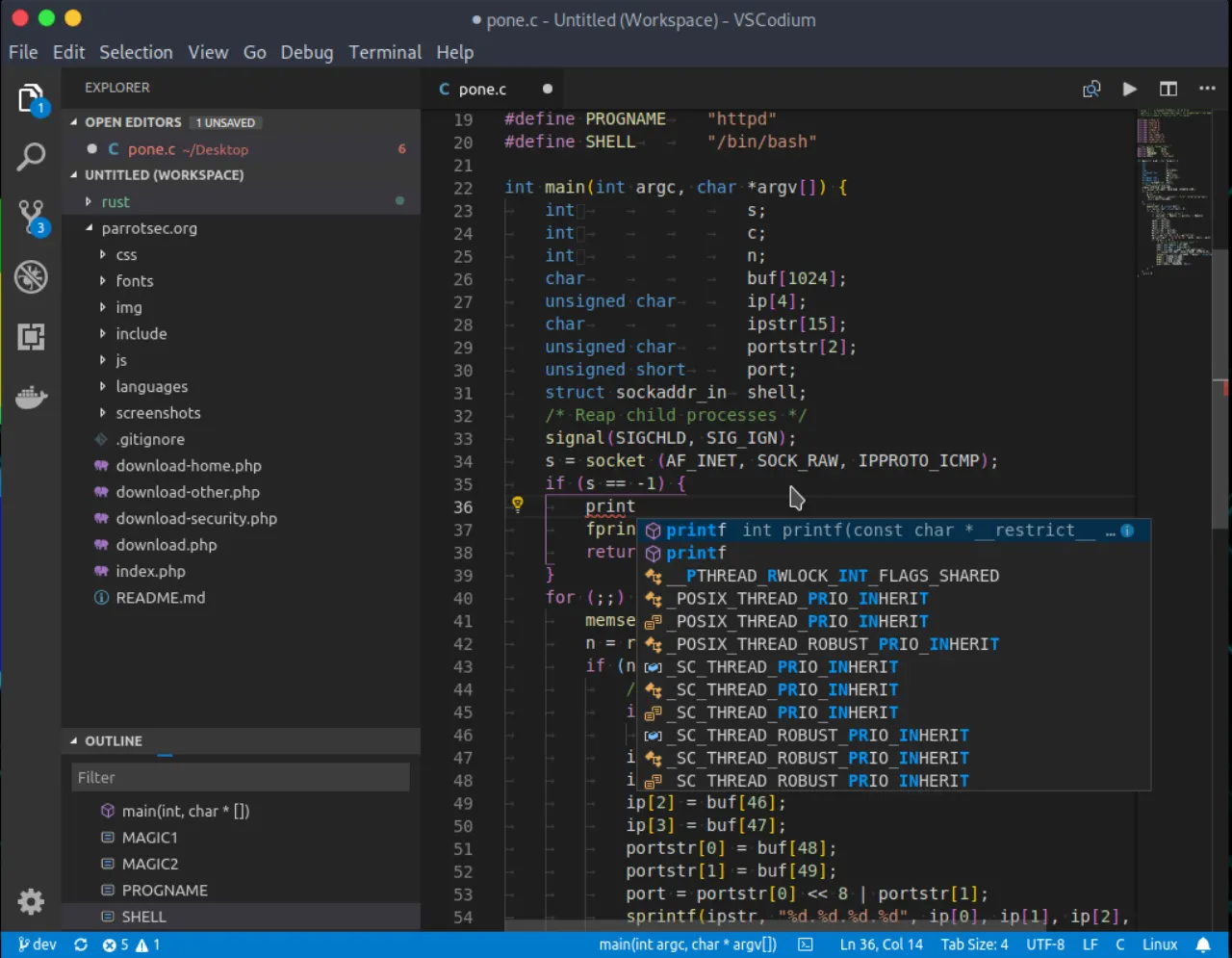
An open-source, community-driven code editor based on Visual Studio Code, meticulously removing all proprietary components, telemetry, and tracking features.
★
★
★
★
★
4.5
Free & Open SourceBest for: Developers prioritizing privacy, software freedom, and predictable tooling
Completely free with no subscriptions, paid tiers, or feature limitations.
1 screenshot — click to enlarge
Screenshot 1
✓ Pros
No telemetry or tracking, ensuring user privacy and data security
Fully open-source and MIT-licensed
Retains all powerful features of Visual Studio Code
Community-driven development
Supports a wider range of architectures
Uses the Open VSX Registry for extensions, an open-source marketplace
✕ Cons
Requires more manual configuration compared to official VS Code builds
Manual configuration of repositories needed for some Linux distributions (e.g., Deb and RPM installers)
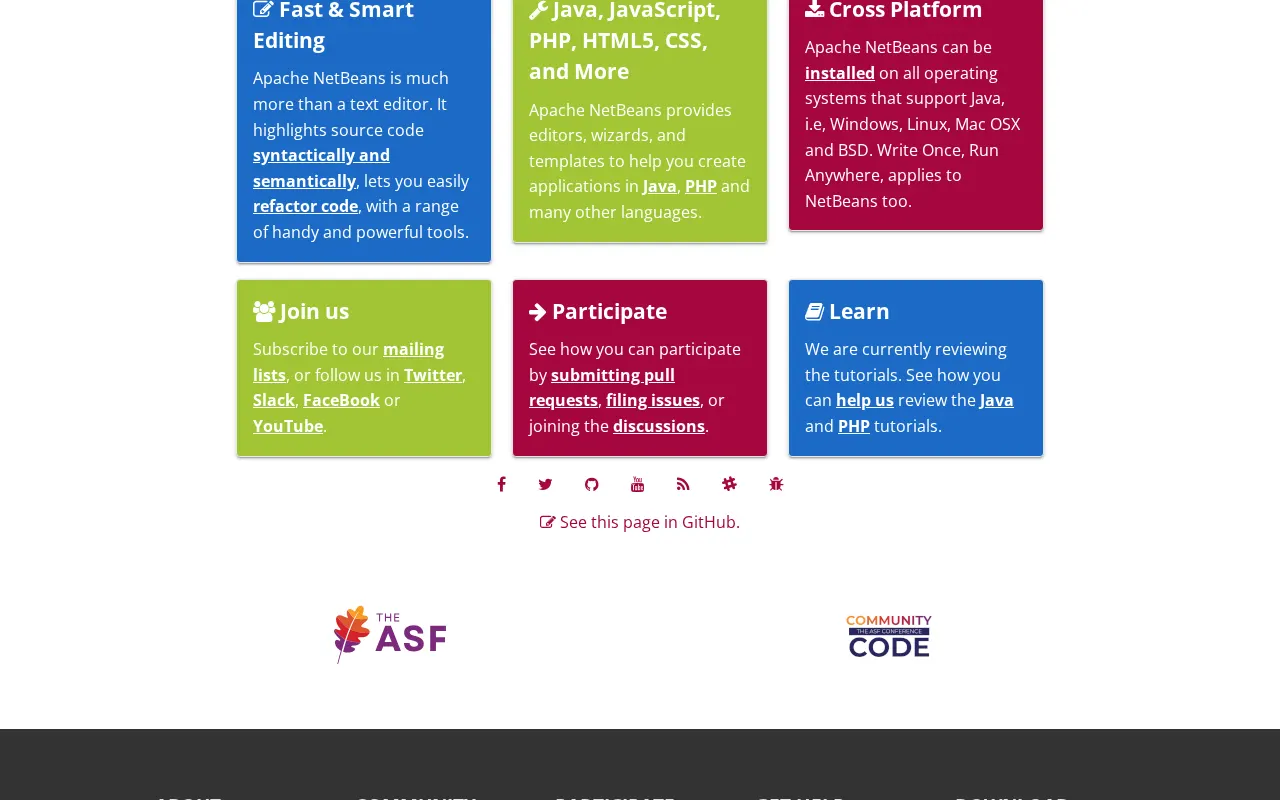
Apache NetBeans is a powerful, open-source integrated development environment (IDE) for Java, C/C++, PHP, JavaScript, HTML5, and CSS, offering smart editing and refactoring tools.
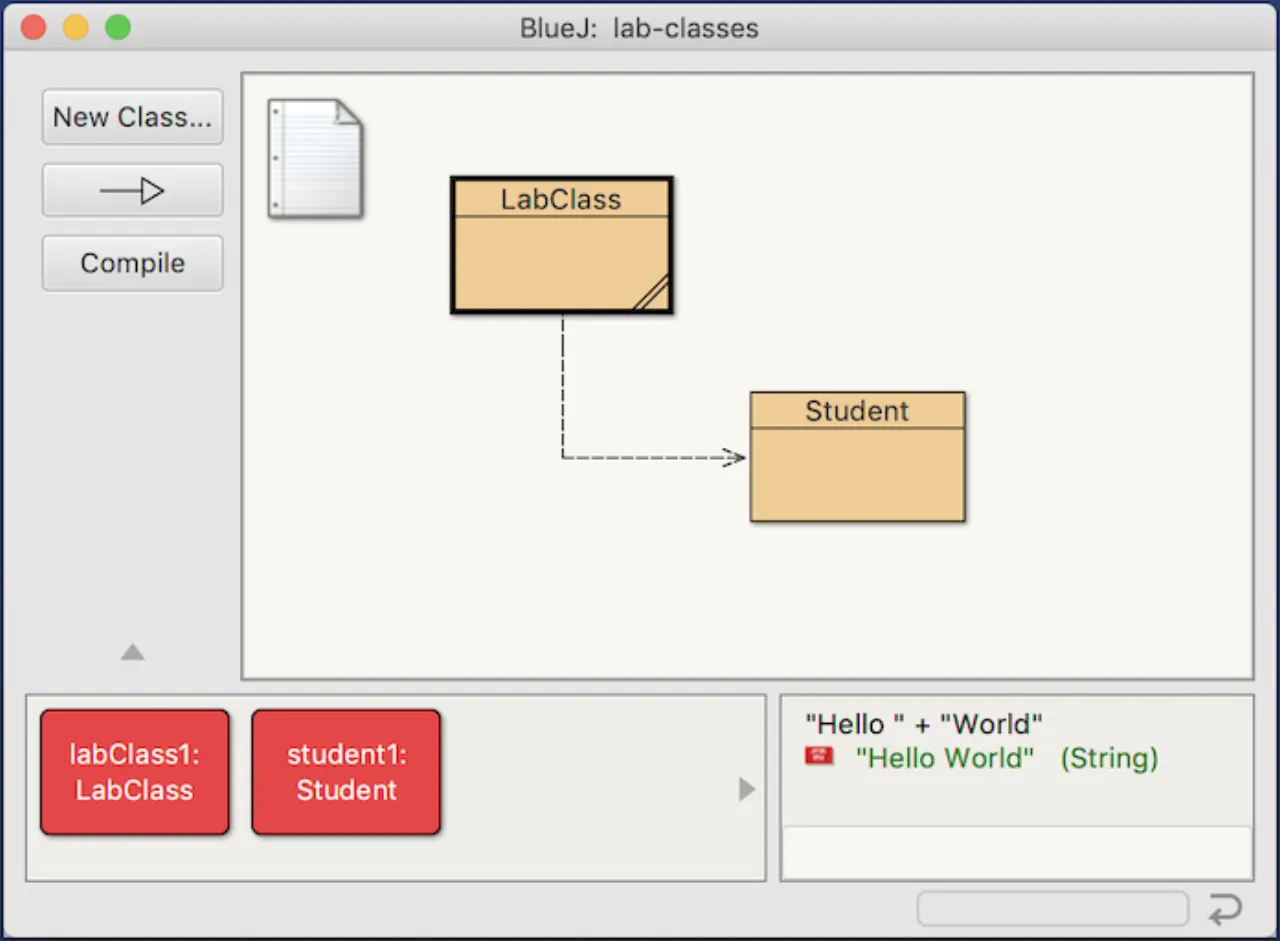
An integrated development environment (IDE) for the Java programming language, primarily designed for educational purposes and small-scale software development.
★
★
★
★
★
4.0
Free & Open SourceBest for: Beginners and students learning Java and object-oriented programming
Free and open source under GPL-2.0-or-later with the Classpath exception.
2 screenshots — click to enlarge
Screenshot 1Screenshot 2
✓ Pros
Simple and intuitive interface for beginners
Designed specifically for teaching object-oriented programming
Interactive environment encourages experimentation and exploration
Visualizes class structure and objects graphically
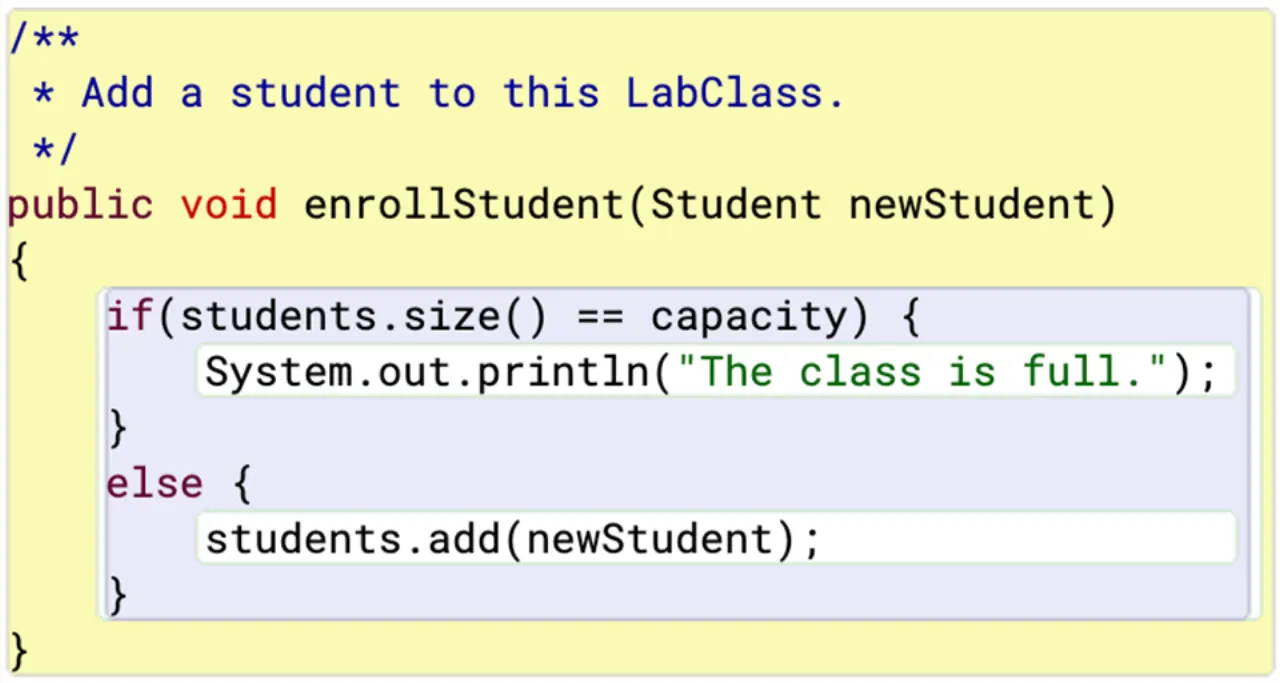
Features unique scope highlighting for improved code readability
Allows inspection of objects and invocation of methods during runtime
Supports direct invocation of Java expressions without compilation
Cross-platform compatibility
✕ Cons
Limited features for advanced users compared to professional IDEs
Lacks advanced tools like comprehensive code completion
Primarily suitable for small-scale projects, not large-scale development
Some pedagogical "helper" classes may not work outside the BlueJ environment



 Screenshot 1