Introduction
BlueJ is an integrated development environment (IDE) specifically tailored for the Java programming language, with a strong emphasis on education. It offers a simplified and intuitive interface, making it an excellent choice for beginners and students delving into object-oriented programming. As a more approachable alternative to complex professional IDEs like JetBrains IntelliJ IDEA, BlueJ provides a stepping stone into Java development without overwhelming new learners.
Features
BlueJ stands out with features designed to facilitate learning and experimentation:
- Beginner-Friendly Interface: Its simple and intuitive design lowers the barrier to entry for new programmers.
- Educational Focus: Explicitly crafted for teaching object-oriented programming concepts effectively.
- Interactive Environment: Encourages hands-on experimentation and exploration of Java code.
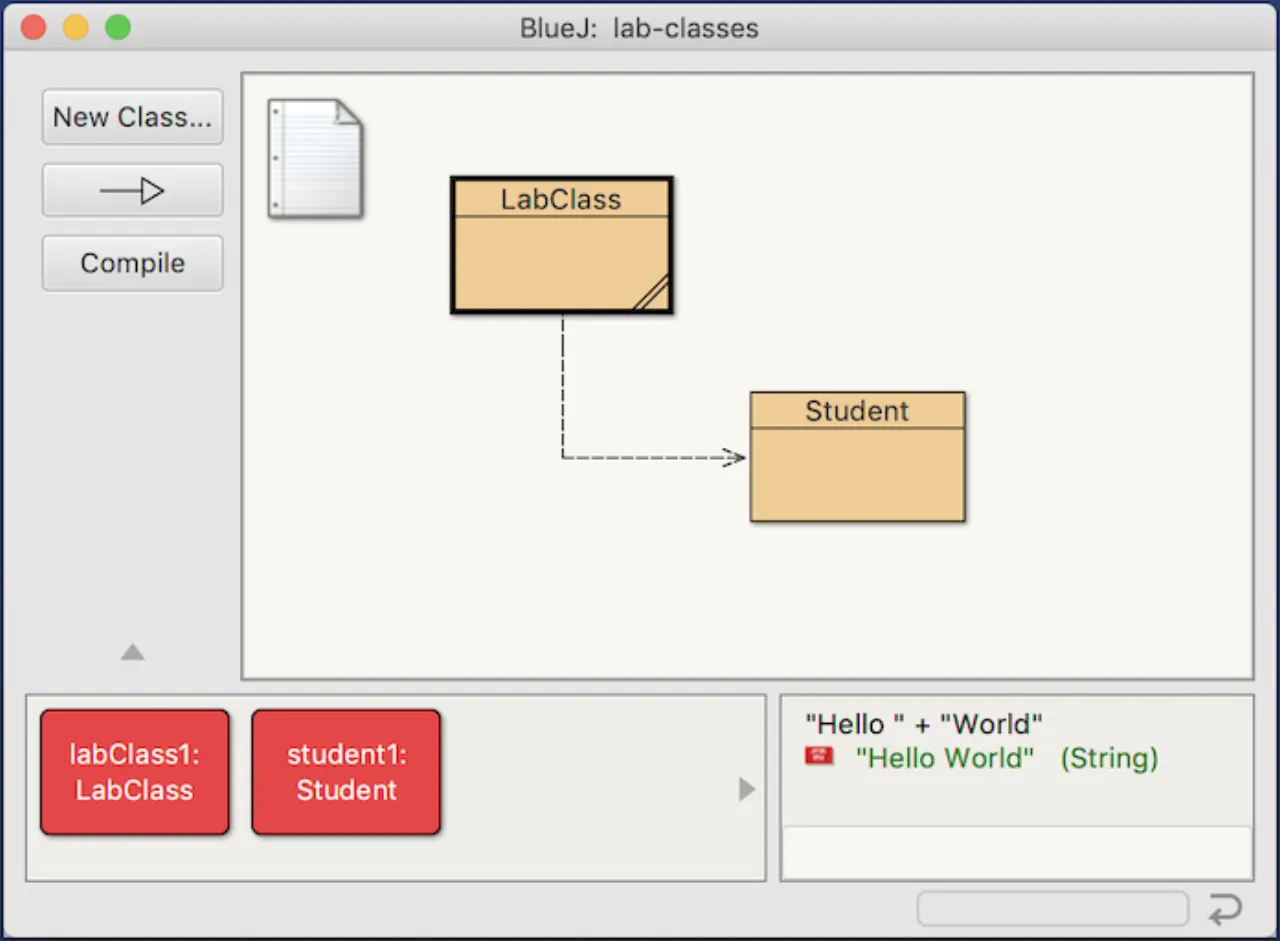
- Graphical Visualization: Visually represents class structure and objects, aiding in understanding complex relationships.
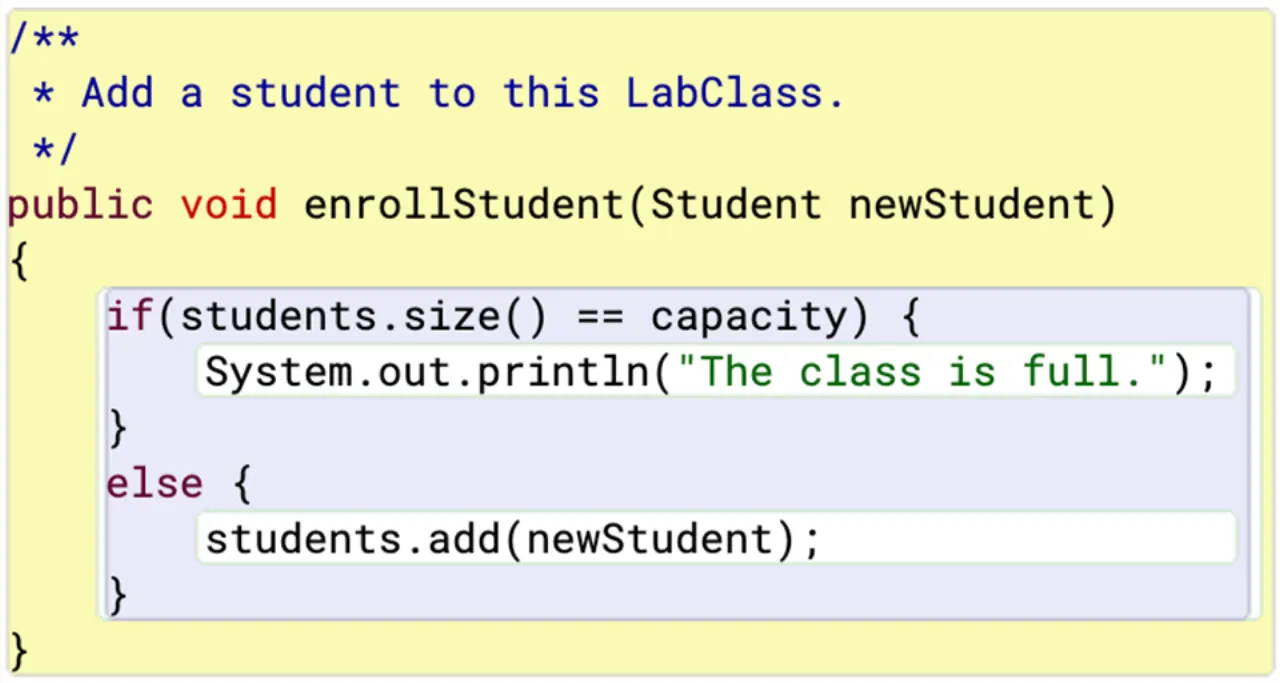
- Scope Highlighting: Unique scope highlighting improves code readability and comprehension.
- Runtime Object Inspection: Allows users to inspect objects and invoke methods directly during program execution, offering dynamic insight.
- Direct Java Expression Invocation: Supports executing Java expressions without the need for prior compilation.
- Cross-Platform Compatibility: Available across various operating systems, ensuring broad accessibility.