Introduction
Apache NetBeans is a robust, open-source integrated development environment (IDE) that supports a wide array of programming languages, including Java, C/C++, PHP, JavaScript, HTML5, and CSS. It offers a comprehensive suite of tools designed to streamline application development, making it a strong alternative to tools like JetBrains IntelliJ IDEA, especially for those seeking a free and open-source solution.
Features
Apache NetBeans provides a rich set of features that enhance developer productivity across various platforms:
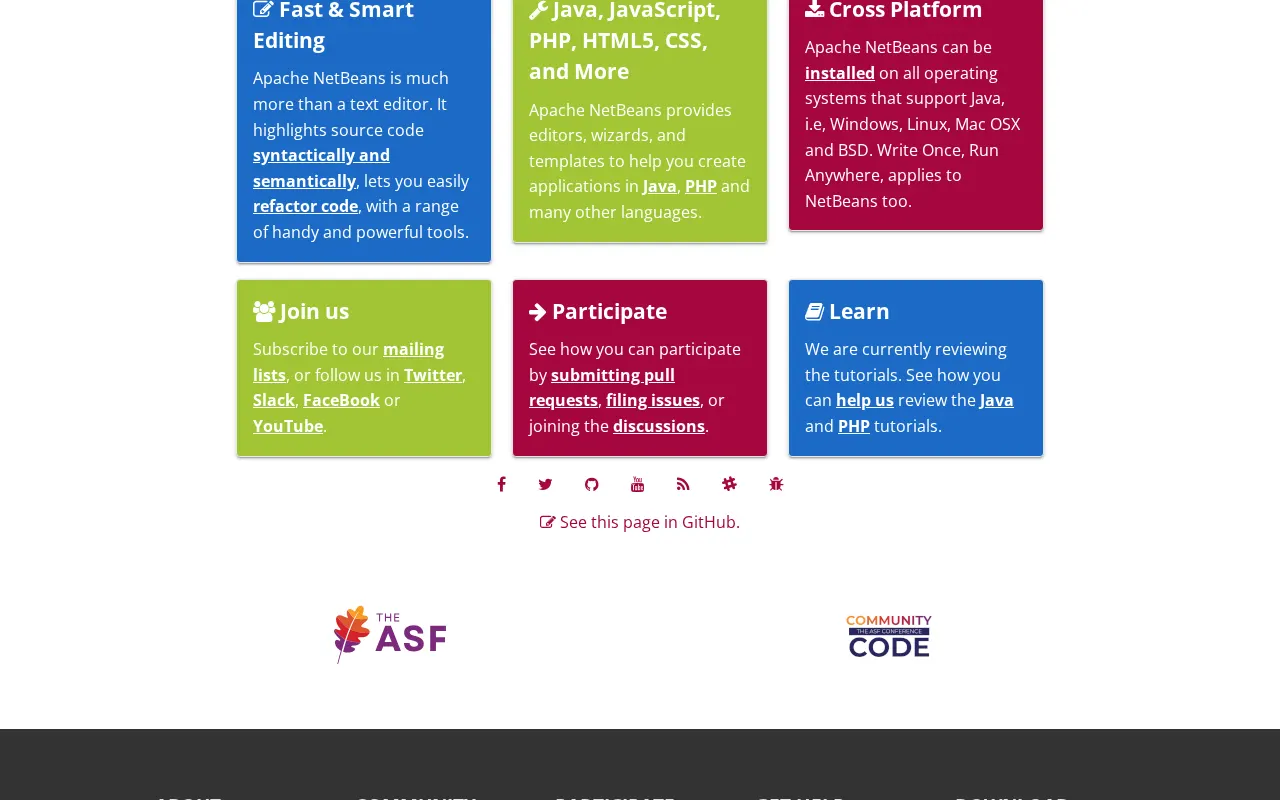
- Multi-language Support: Offers powerful editors, wizards, and templates for Java, PHP, HTML5, CSS, and C/C++.
- Smart Editing Capabilities: Features fast and intelligent code editing with syntax highlighting, semantic analysis, and robust refactoring tools.
- Cross-Platform Compatibility: Operates seamlessly across Windows, Linux, macOS, and BSD operating systems.
- Project Management: Includes excellent support for Maven project management, alongside built-in assistance for Ant and Gradle.
- Version Control Integration: Provides inbuilt assistance for popular version control systems like Subversion, Git, and Mercurial.
- GUI Development: Features built-in drag-and-drop functionalities for creating graphical user interfaces using Swing and JavaFX.
- Latest Technology Support: Consistently supports the latest versions of JDK, JavaEE, and JavaFX, ensuring developers can work with modern technologies.
- User-Friendly Interface: Boasts a simple and logical user interface with multiple customization options to suit individual preferences.