Introduction
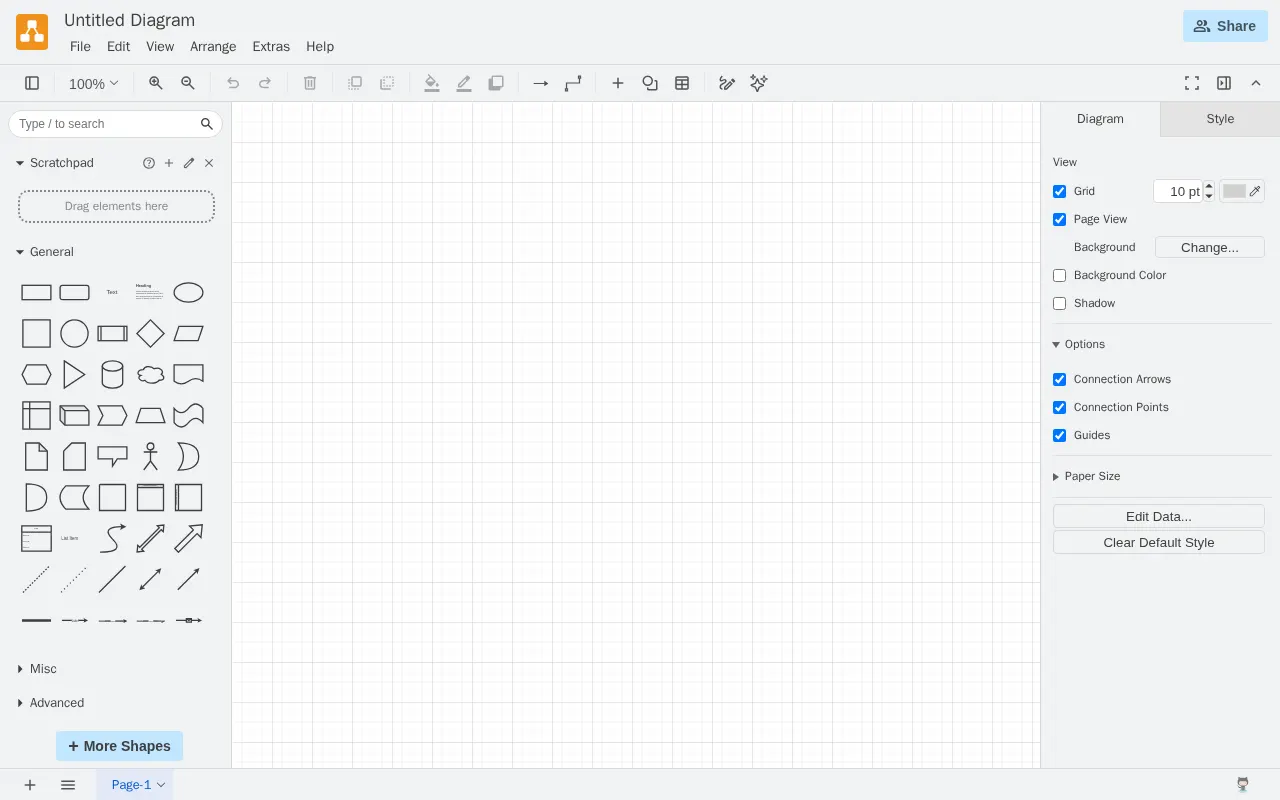
draw.io is a widely used, versatile diagramming tool and collaborative vector graphics editor. It provides a robust, intuitive platform for creating a variety of diagrams, from flowcharts and network diagrams to ER models and business process maps. As a powerful alternative to tools like Microsoft Visio, draw.io offers extensive functionality for both individual users and collaborative teams, accessible via browser or desktop application.
Features
draw.io boasts a rich set of features designed to make diagramming efficient and collaborative:
- Intuitive User Interface: A clean, drag-and-drop interface makes it easy for users of all skill levels to start creating diagrams quickly.
- Extensive Template Library: Access a vast collection of templates for various diagram types, allowing for rapid project initiation and adherence to industry standards.
- Versatile Platform: Available as a free browser-based application and a downloadable desktop app, providing flexibility for different workflows and environments.
- Strong Collaboration: Excellent integration with cloud storage services like Google Drive enables seamless real-time collaboration on diagrams with team members.
- Import/Export Options: Supports a wide range of data import and export formats, ensuring compatibility with other tools and easy sharing of work.
- Customization Capabilities: Offers extensive customization options for shapes, colors, and styles, allowing users to brand their diagrams or meet specific design requirements.