Introduction
OpenProject is a powerful open-source project management software designed for teams seeking comprehensive control over their projects. Available for both cloud and self-managed on-premise deployment, it offers a robust alternative to tools like Asana, providing extensive features for planning, tracking, and collaboration.
Features
OpenProject comes equipped with a wide array of features to support diverse project management needs:
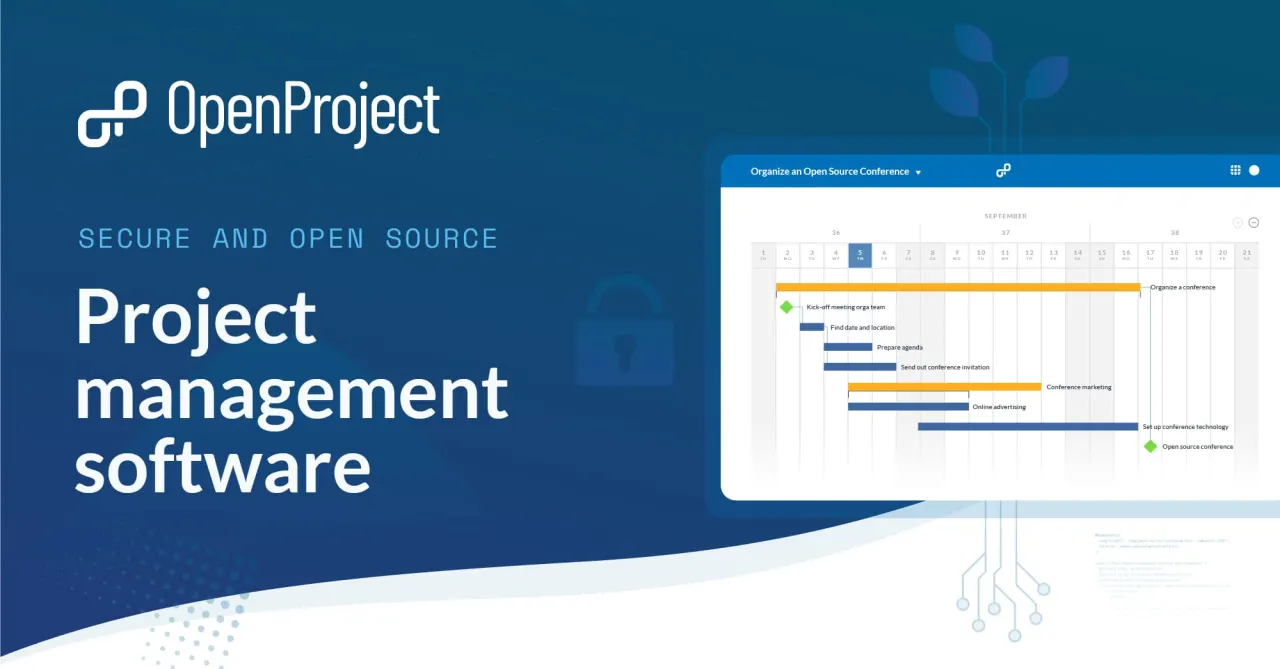
- Comprehensive Project Planning: Utilize Gantt charts for detailed scheduling and roadmap features for high-level overviews.
- Agile and Task Management: Manage tasks effectively with agile boards, backlogs, and traditional task lists.
- Time and Cost Reporting: Accurately track time spent on tasks and monitor project costs with integrated reporting tools.
- BIM Module for Construction: A specialized module caters to the unique demands of construction projects, enhancing Building Information Modeling workflows.
- Integrations and Automations: Connect with popular development tools like GitHub and GitLab, and file storage solutions such as Nextcloud and OneDrive/SharePoint.
- Meeting Management: Conduct and document meetings with shareable minutes and custom macros.
- Data Sovereignty: The self-hosted version offers complete control over your data, ensuring data sovereignty.
- Free Community Edition: A free Community edition provides unlimited users and projects, making it accessible for any team size.