2 Free & Open Source Alternatives to Sketch (2026)
Compare 2 free and open-source alternatives to Sketch: Pixso and Pencil Project. Pros, cons, pricing, and screenshots tested 2026.
Sketch
Paid
★
★
★
★
★
4.0
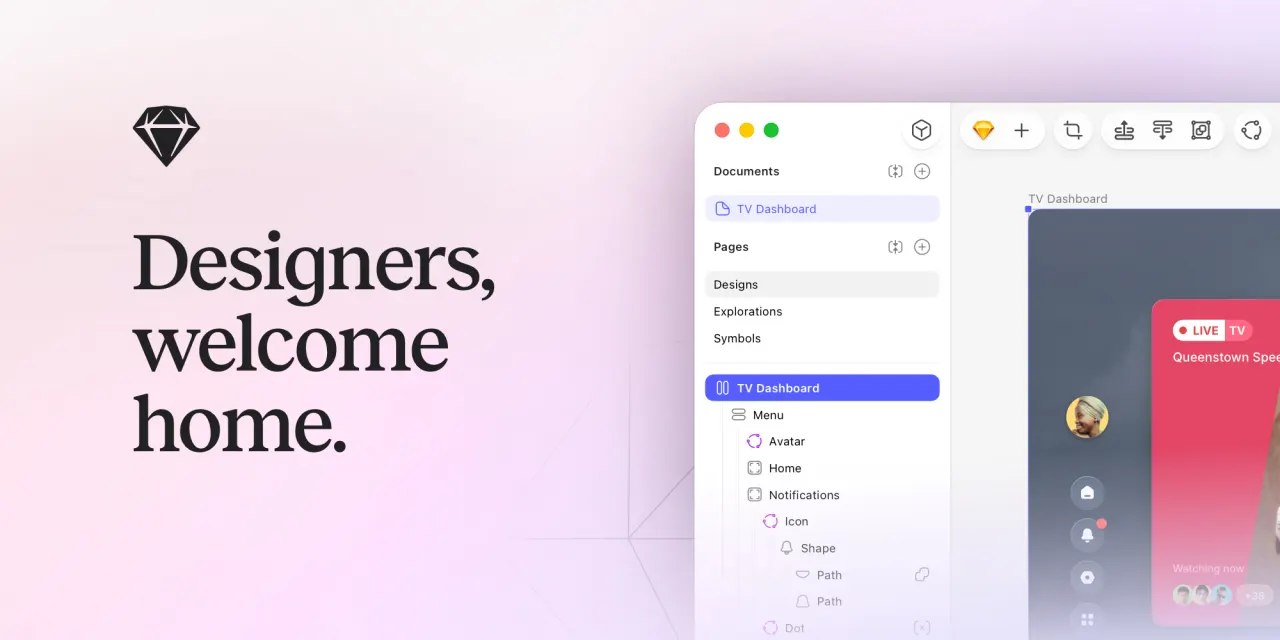
A professional macOS design tool for UI/UX, popular in product teams for its Symbol system.
Paid
2 free options
Design Tools
4 / 5
💡
Why people look for alternatives Sketch requires a paid subscription for full access. Many users seek free or open-source alternatives that offer similar functionality without the ongoing cost or vendor lock-in.
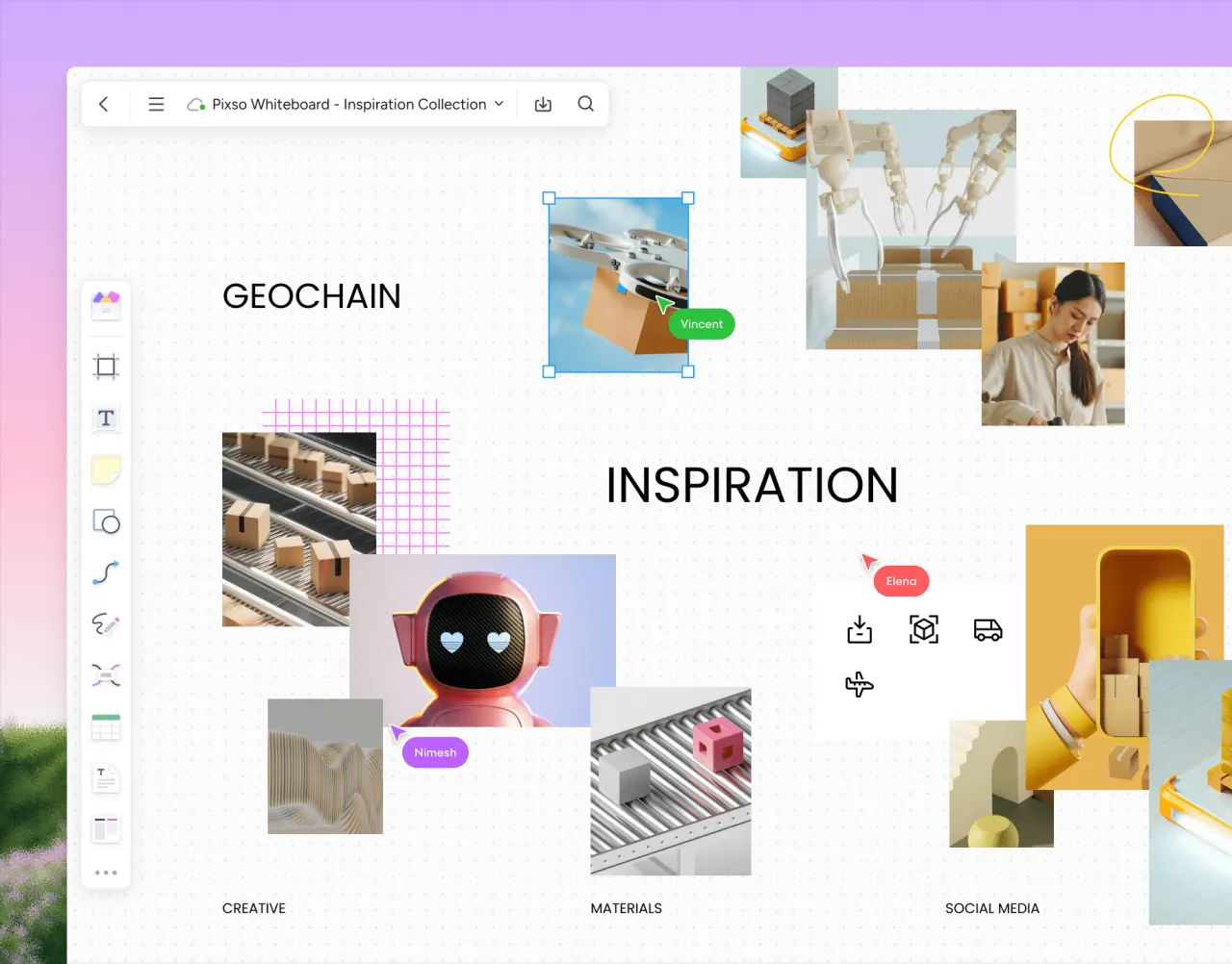
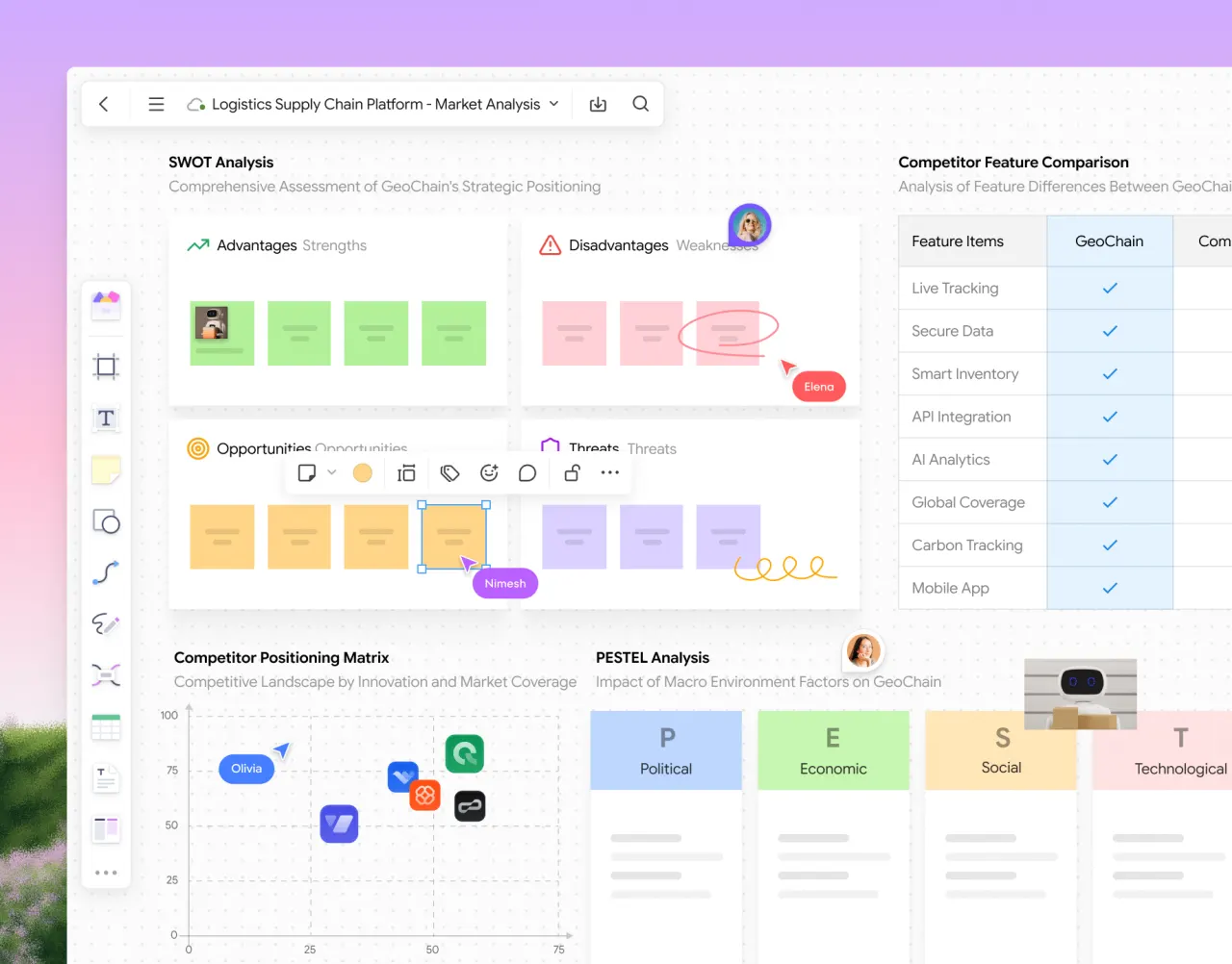
Pixso is a cloud-based UI/UX design and collaboration tool. It offers vector design, prototyping, design system management, and AI-powered features, ideal for product design teams.
★
★
★
★
★
4.5
FreemiumBest for: UI/UX designers, product design teams, and Figma alternatives
Free for personal users indefinitely. Businesses and teams can enjoy a free trial and various paid seat types with monthly/annual pricing.
2 screenshots — click to enlarge
Screenshot 1Screenshot 2
✓ Pros
Smoother team collaboration with real-time editing
Extensive file compatibility including Figma, Sketch, and Adobe XD
AI-powered design tools for intelligent UI creation
Centralized design system management
✕ Cons
May have a learning curve for users accustomed to other design platforms.
Requires a stable internet connection for optimal cloud-based collaboration.
A free and open-source GUI prototyping tool for creating mockups and diagrams on desktop platforms. It allows users to design interfaces using various built-in shapes and export them to multiple formats.
★
★
★
★
★
4.0
Free & Open SourceBest for: Quick, free, and open-source GUI prototyping and diagramming for desktop users.
Always free, open-source with GNU General Public License v3.0.
✓ Pros
Free and open-source
Easy to use for quick mockups and wireframing
Available on multiple desktop platforms (Windows, macOS, Linux)
Includes a wide range of built-in shape collections for desktop and mobile UI (Android, iOS)
Supports diagram drawing and flowcharts
Exports designs to various formats (PNG, SVG, HTML, PDF, ODT)
Ability to find and import cliparts from the internet
Supports inter-page linking to define UI flow
✕ Cons
Limited tools for creating custom shapes easily
User experience can sometimes feel underwhelming
Not as feature-rich as some commercial mockup tools
Difficulty in switching pages between different projects without manual file editing
Potentially limited community support compared to commercial alternatives
No browser-based version, only a desktop application
Some links are affiliate. We never accept payment for inclusion or ranking.



 Screenshot 1
  Screenshot 2